YOUR LOGO. YOUR HAT CONCEPT.
3D Hat Design Studio
Explore your logo and color idea on a hat.
Already have a design? Send it directly with your project notes. Physical samples confirm the shape, decoration and colors.
For brands and wholesale buyers · Logo customization / OEM
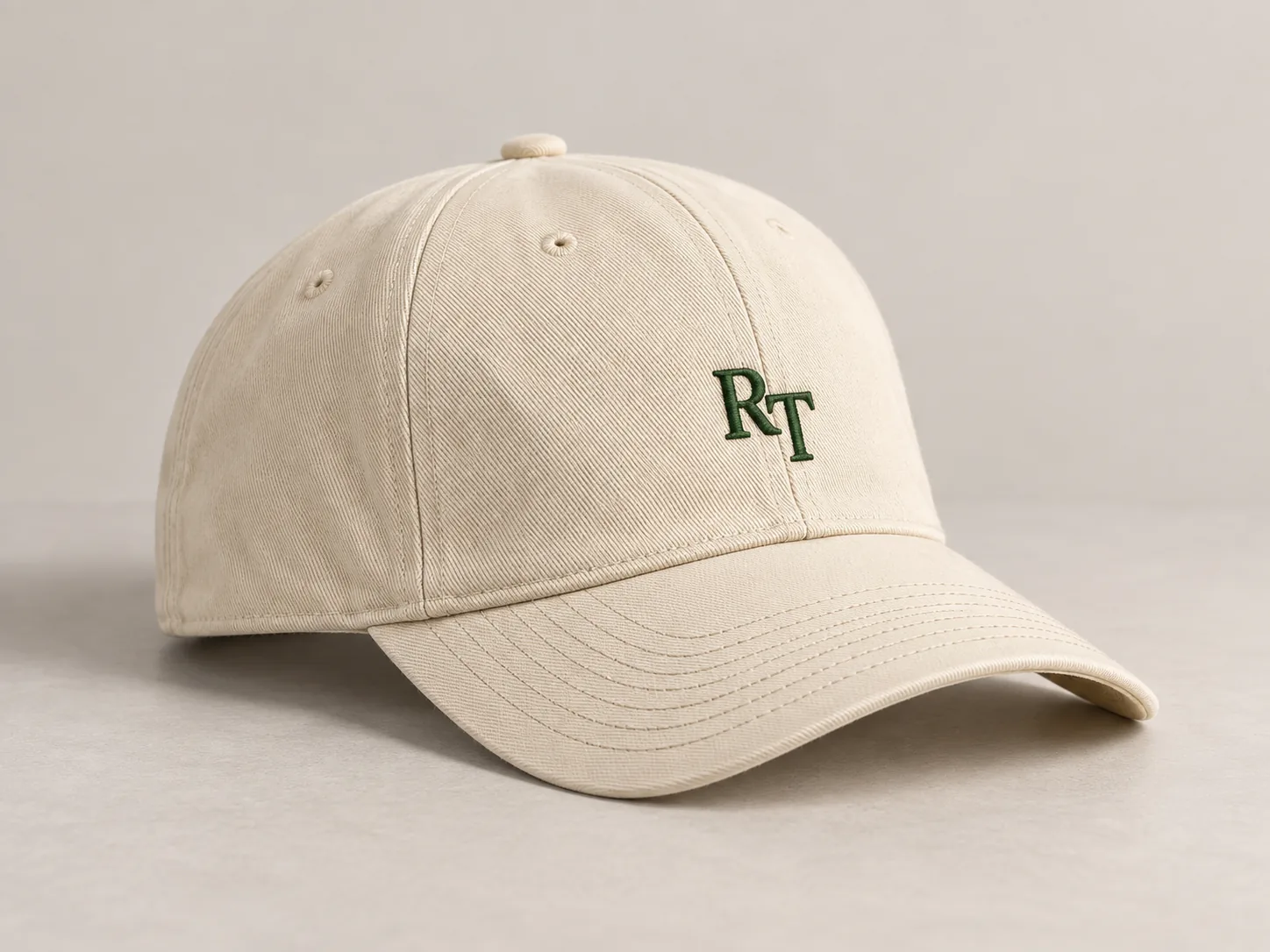
01 / CHOOSE A STARTING POINT
Hat Shapes and Requirements
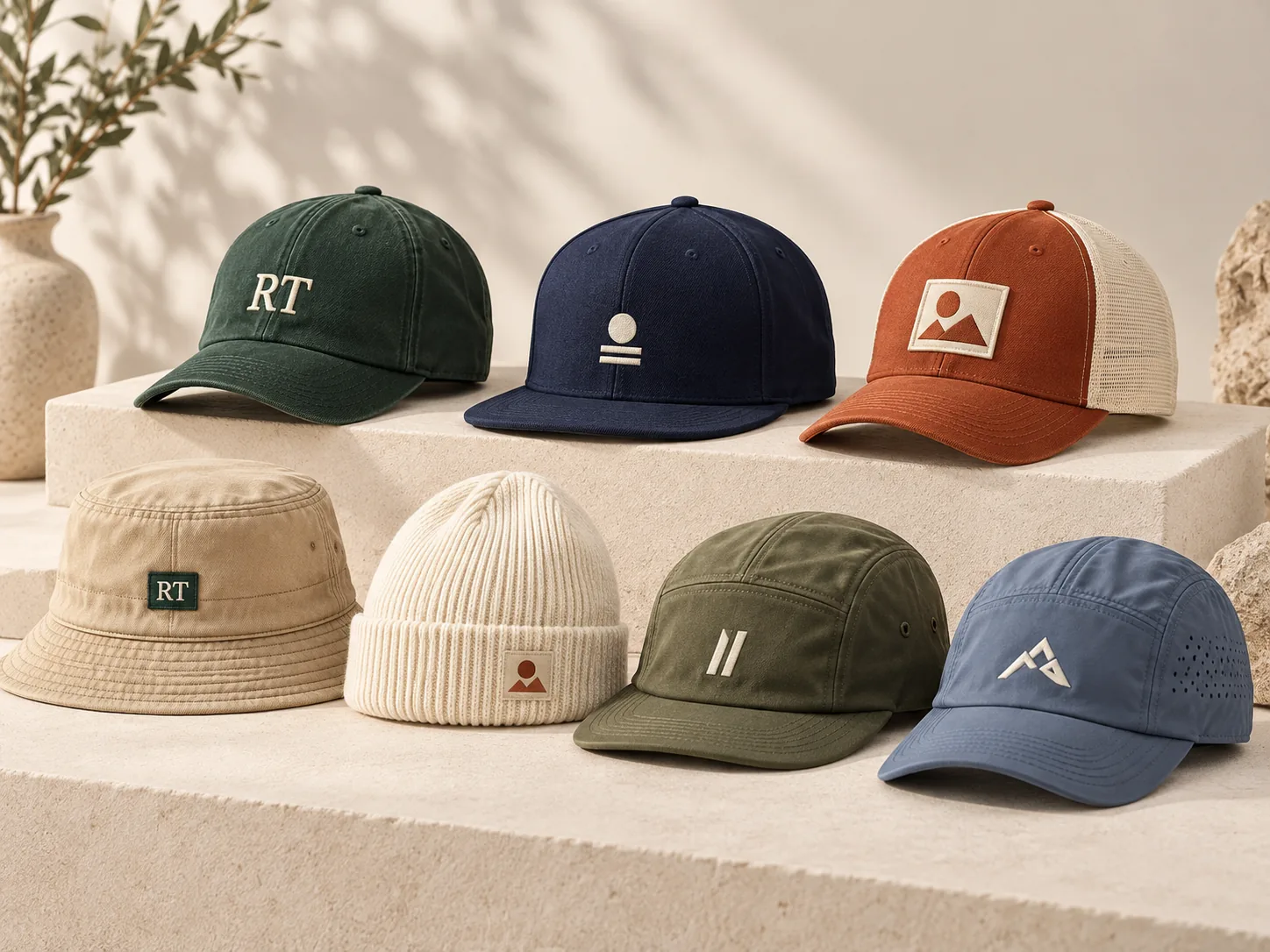
Construction and use can overlap with a hat family.
Flat-brim optionsFive-panel constructionHeadwear for sports02 / MAKE YOUR DESIGN VISIBLE
Your Logo and Color
Configure in 3DChoose a shape, add a PNG and adjust the design. Send Your DesignAttach your artwork or reference files directly.
YOUR HAT PREVIEW
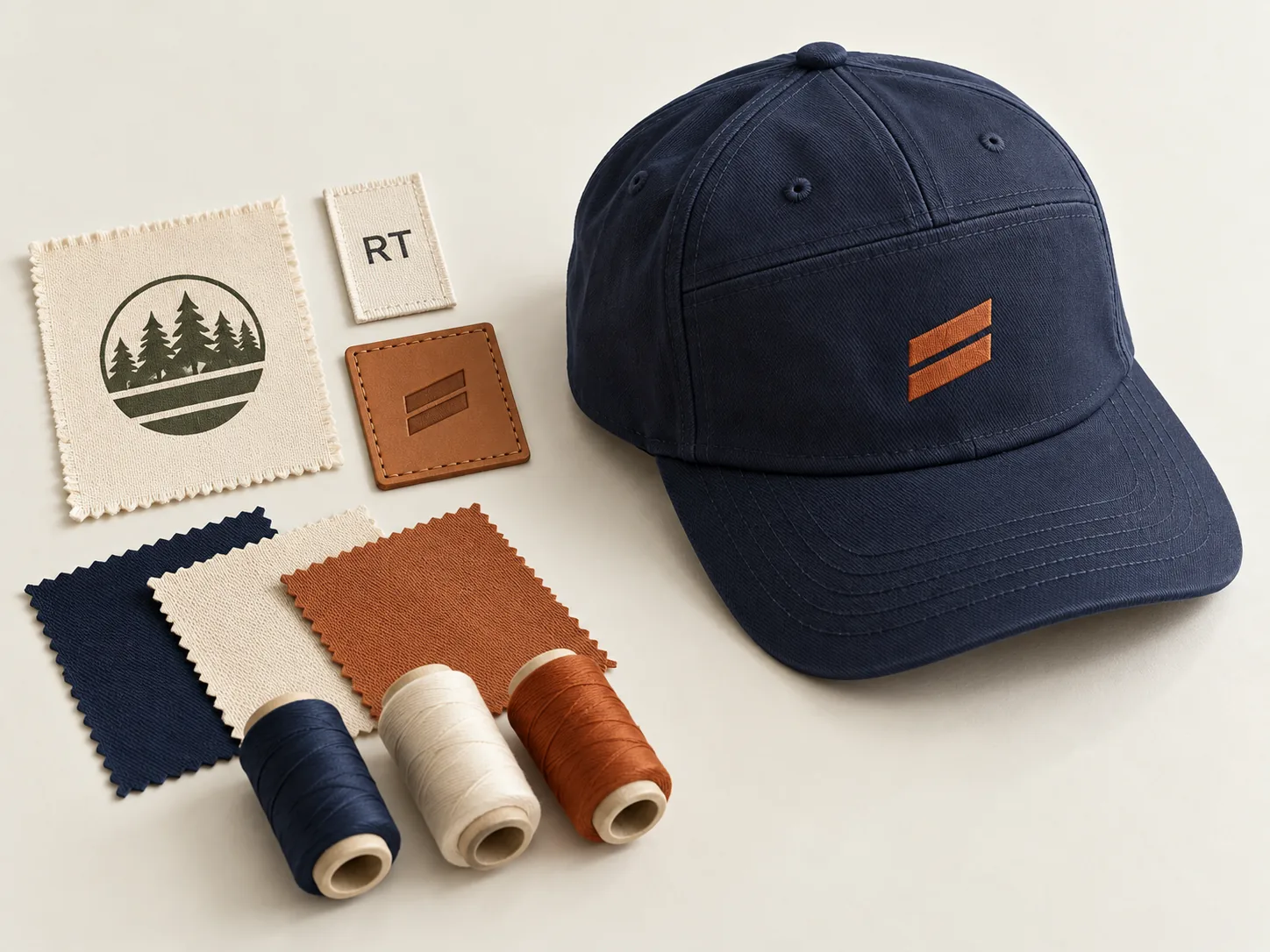
Drag horizontally to rotate. Scroll vertically to move down the page.
Your preview will load when the editor is in view.
Digital concept for your brief. Shape, stitching, artwork size and colors are checked on a physical sample.
01 Hat shape
Choose a starting shape. Final panel structure and fit are part of your sample brief.
02 Fabric colors
Hat color
Brim color
03 Your logo
A transparent PNG preserves its colors and transparency. The original file is handled in your browser until you send the inquiry.
04 Logo placement
Left and right refer to the wearer. Beanie logos sit on the folded cuff.
Hat shape changed. Check the logo position on this shape.
SelectMove logoabove the preview, then drag on the hat. Use these controls for finer changes.
Artwork keeps its proportions. Add the desired physical width in your inquiry; preview percentages are relative.
YOUR DESIGN BRIEF
You can also attach your own design, drawing or PDF in the inquiry below.
The preview expresses design intent. Hat construction, decoration feasibility, physical color and final placement are confirmed for the individual project.
Use the preview to discuss color placement. Confirm shades against the agreed physical reference and sample. Read the physical hat color approval guide ↗
03 / FROM BRIEF TO SAMPLE
Your Hat Project Steps
Artwork, sample review and production terms are confirmed for your project.
- 01
Design and requirements
Share your original artwork, quantity request and destination market. A finished design or a rough brief can begin the discussion.
- 02
Shape and decoration
Review the hat construction, logo process, position and target size together. Identify details that the screen preview cannot confirm.
- 03
Physical sample review
Agree the sampling requirements separately. Compare the actual shape, fabric, decoration and colors before accepting the sample.
- 04
Production terms
Confirm the final requirements, quantity, timing and packing before arranging the next production stage.
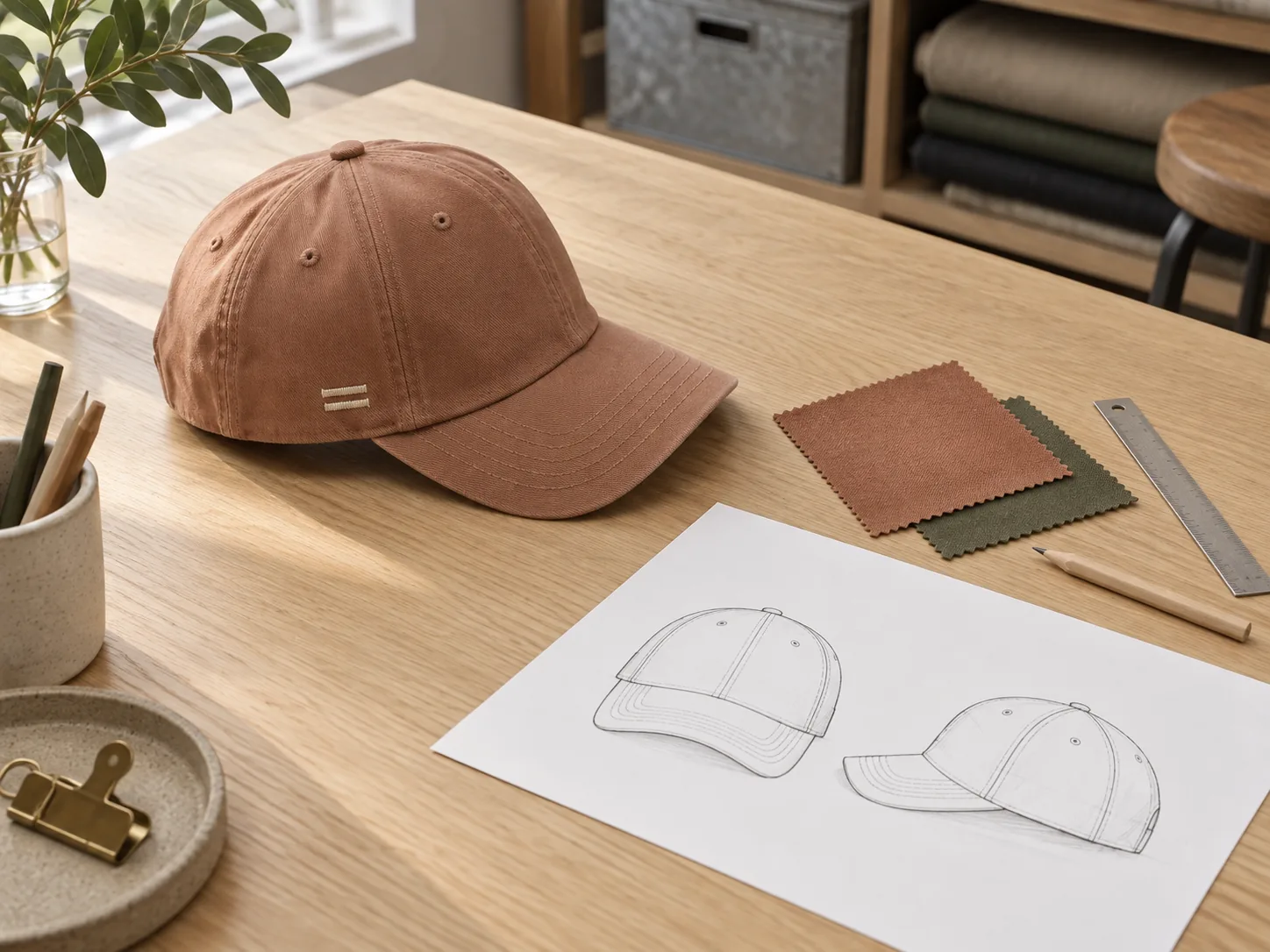
04 / MANUFACTURING COLLABORATION
Production Details for Your Design
The design starts a practical discussion.
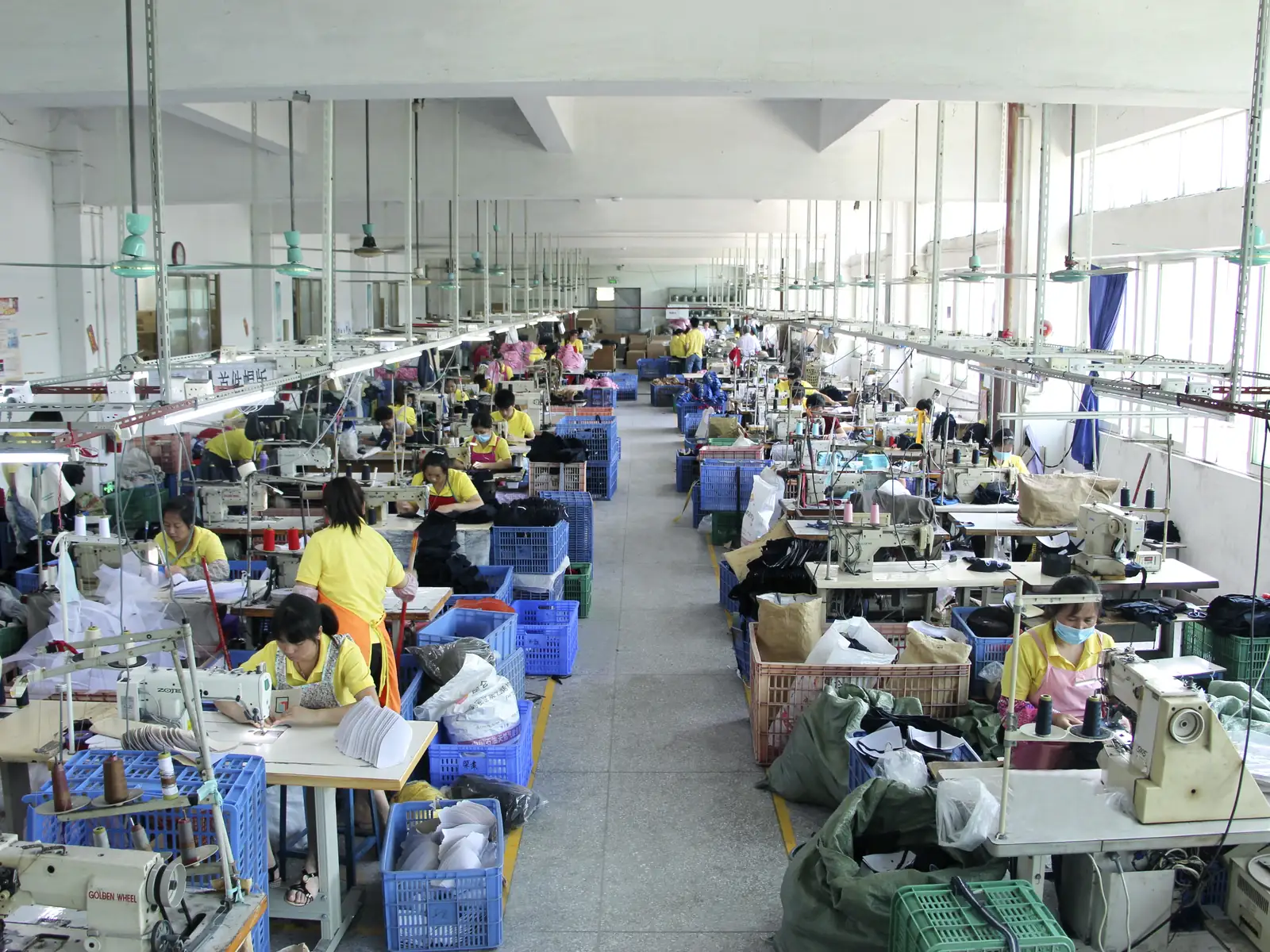
Rongtai coordinates headwear projects with a long-term partner factory in Dongguan. Your artwork, construction and sampling requirements guide the production discussion.
Identify the stage you want to review, such as sampling, embroidery, printing or packing. Available information and arrangements are checked for the project.
Understand the Manufacturing Collaboration ↗Discuss Production Details ↗05 / CHECK THE PHYSICAL SAMPLE
Hat and Logo Review Points
Compare the sample with your requirements, including details that a screen cannot confirm.
Choosing between an open-crown visor and a full-crown sports cap? Prepare a structure and sample brief ↗ Confirm the band, crown and rear details on the physical sample.
Using a center strip with red edging on both sides of your cap concept? Mark the strip and front join for a physical sample ↗
Using a patterned cap as your design reference? Mark motifs at crown seams and the brim ↗ Confirm placement on a physical sample; the 3D concept does not verify pattern matching.
Developing a cuffed beanie concept? Agree cuff boundaries and measuring state on the sample ↗
Turning a 3D concept into a first-sample request? Build a versioned hat tech pack ↗ List decided, proposed and open details; confirm the result on a physical sample.
Comparing written offers after you have a brief? Check what each custom hat quote includes ↗ A 3D preview does not establish price, materials or delivery terms.
Planning catalogue or listing images for your hat? Prepare a product photo handoff brief ↗ Agree the requested views, files and permitted uses; label 3D concepts separately from physical-sample photographs.
A screen concept cannot replace a physical sample. Use real photos to check the front, rear, side and inside of a cap: Five views to check on a baseball cap sample ↗
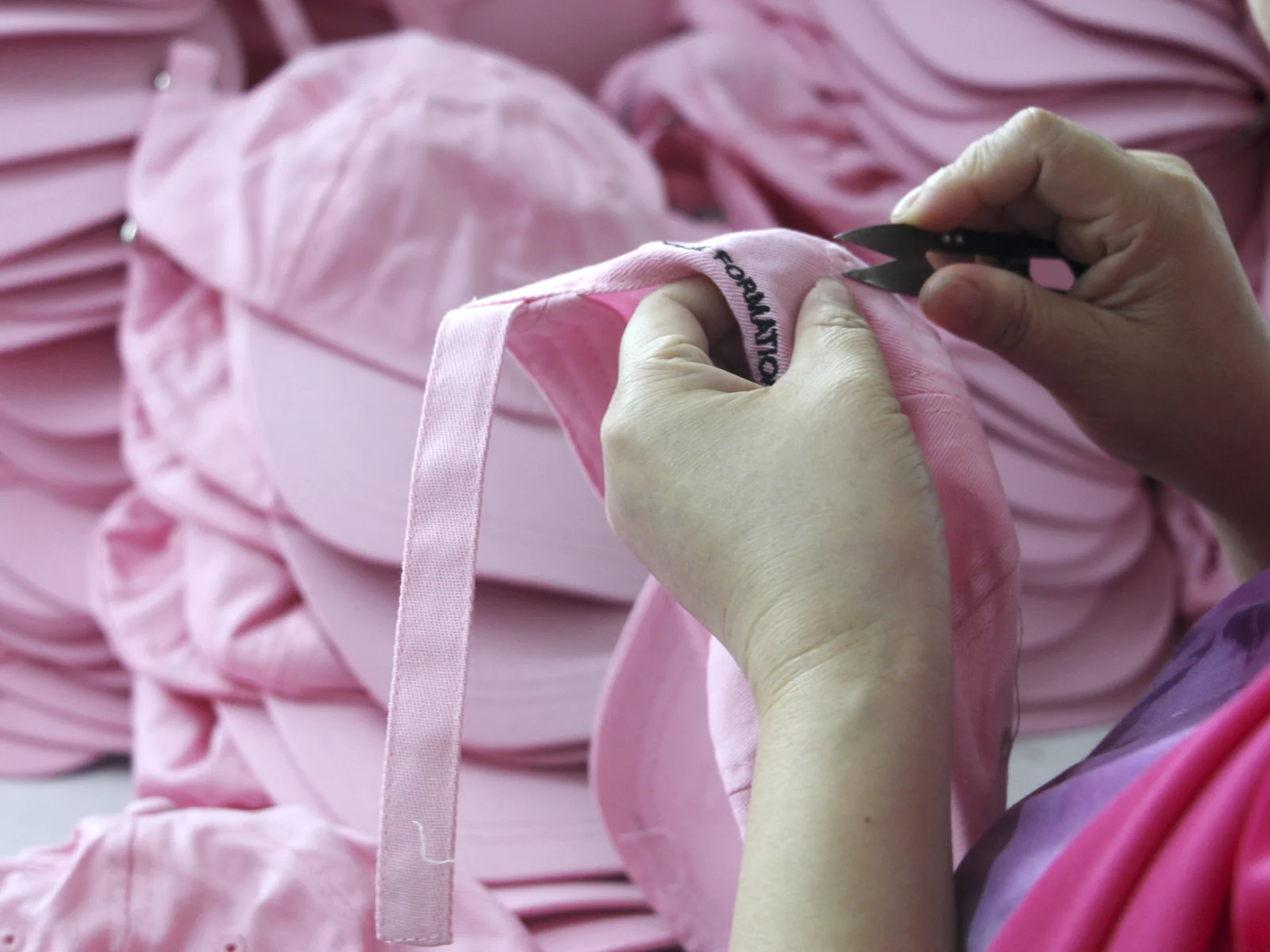
A workshop photo cannot verify the supplier, date or order behind it. Read the production-photo evidence checklist ↗
Comparing logo methods after the 3D preview? Review embroidery, print and patch sample questions ↗ Confirm the artwork version and finished details on a physical hat.
Still deciding on the cap shape? Prepare a curved- or flat-brim brief ↗ Specify the brim dimensions, crown and closure separately before sample review.
Could a front seam cross your logo? Check panel seams and logo space ↗ Confirm the full crown layout on a physical sample.
Designing a trucker hat with a mesh back? Check the front-to-mesh join ↗ Mark both side boundaries and confirm logo clearance on the physical sample.
Preparing a bucket hat sample? Mark and review the all-around brim ↗ Agree the front, sides and back measurements on the physical sample.
01
Crown, brim and fit
Compare the crown profile, brim shape, adjustment and intended wearing fit.
02
Logo position and size
Check the placement on the actual hat and any target measurements in your brief.
03
Decoration and edges
Review stitch detail, print edges and the suitability of the artwork for the chosen method.
04
Fabric and physical color
Compare fabric, thread or print colors against the agreed physical references.
05
Labels & Packing
Confirm labels, trims and how the hats should be packed for your project.
06 / CHECK SCOPE AND APPLICABILITY
Material and Product Documents
Specify the documents and destination requirements you need reviewed. Availability, scope and the relevant party must be verified.
Material Information
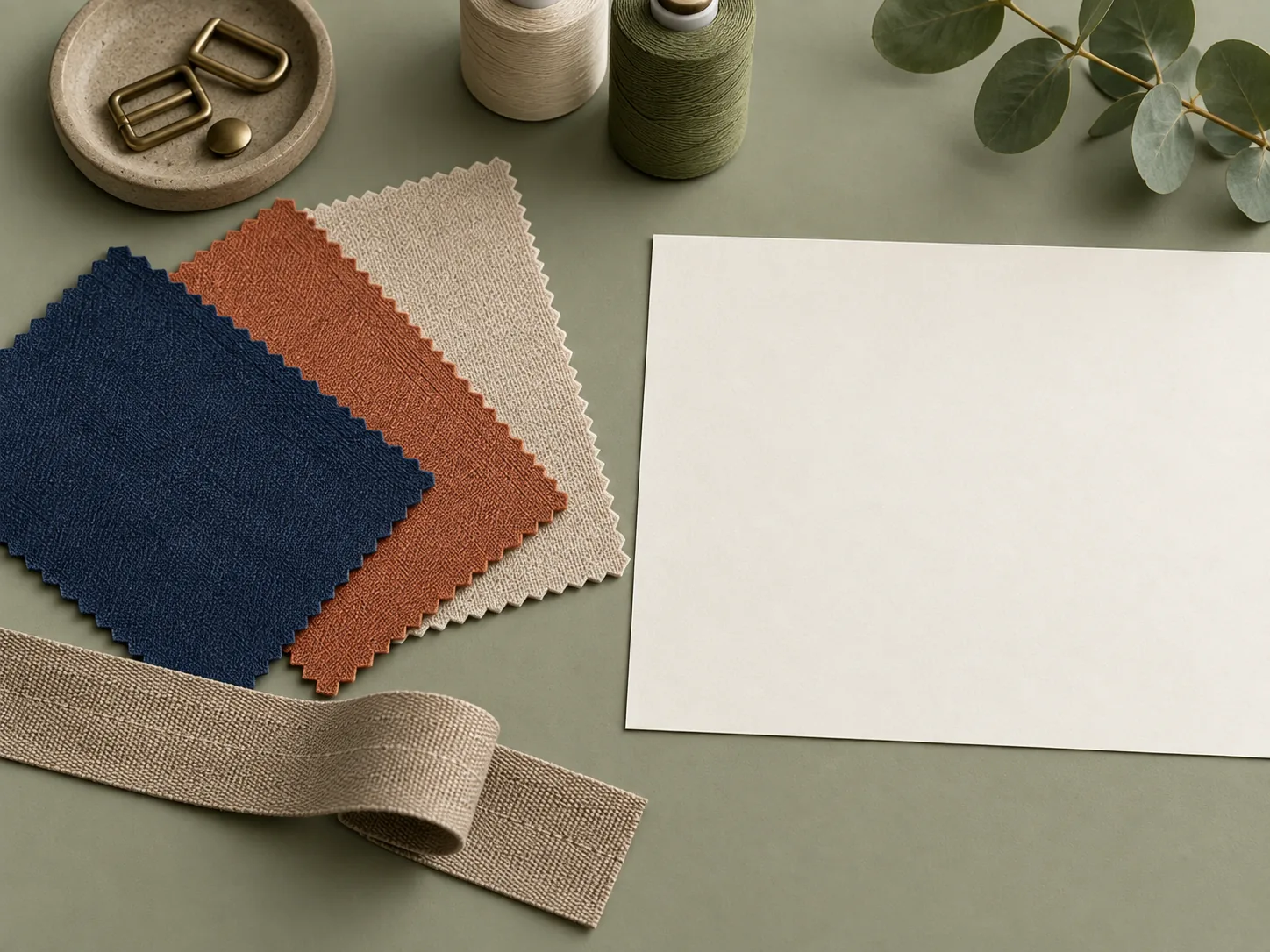
Identify the fabric, composition or material information your project requires.
Discuss document requirements ↗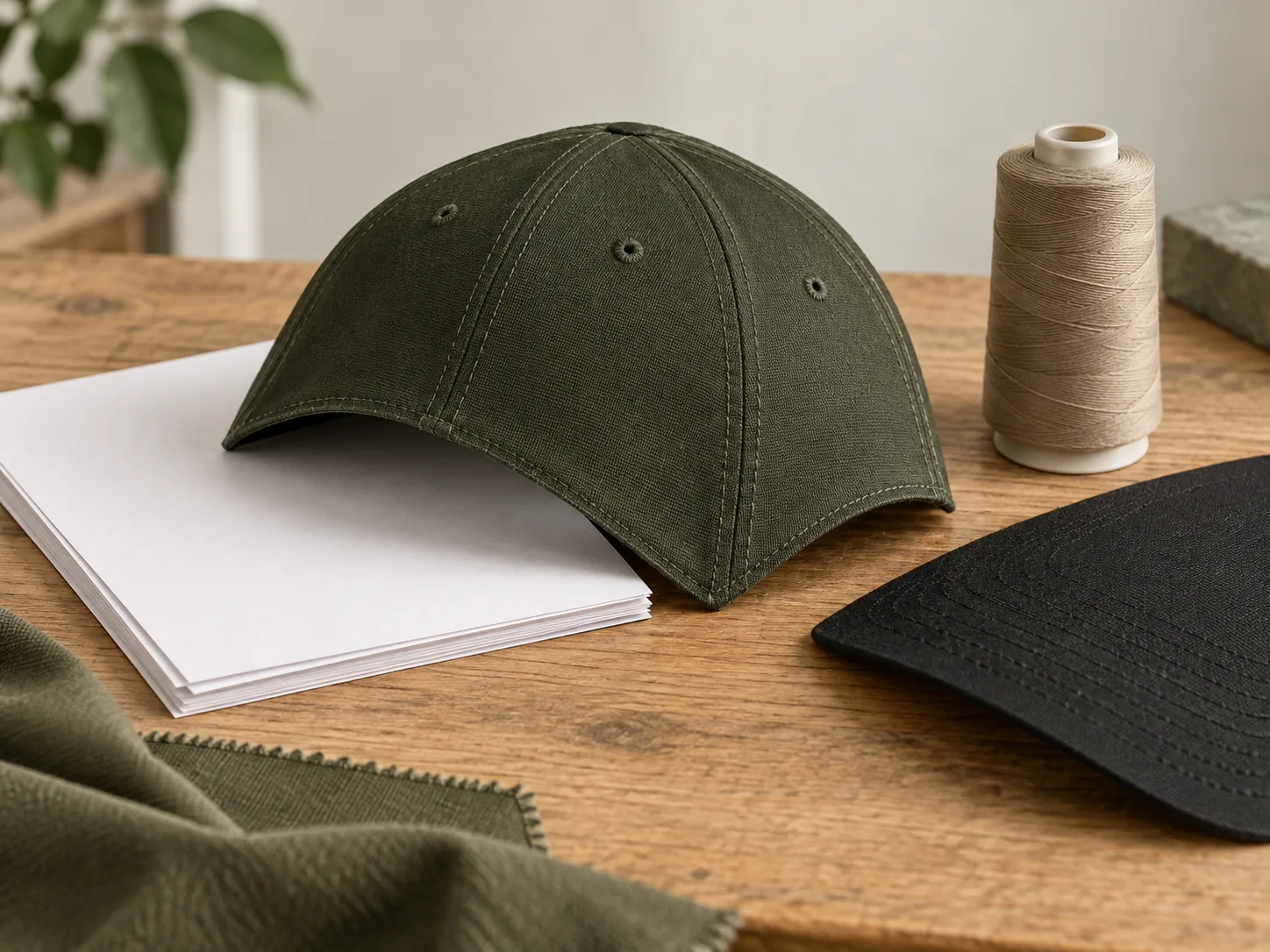
Testing & Inspection Documents
Name any requested testing or inspection documents and the destination market.
Discuss document requirements ↗Illustrative document-review settings. These images are not certificates, test reports or proof of certification.
07 / REQUEST A RELEVANT COMPARISON
References for Your Hat Design
Describe the project reference you need. Relevant material can be shared only when its source, applicability and sharing permission are confirmed.
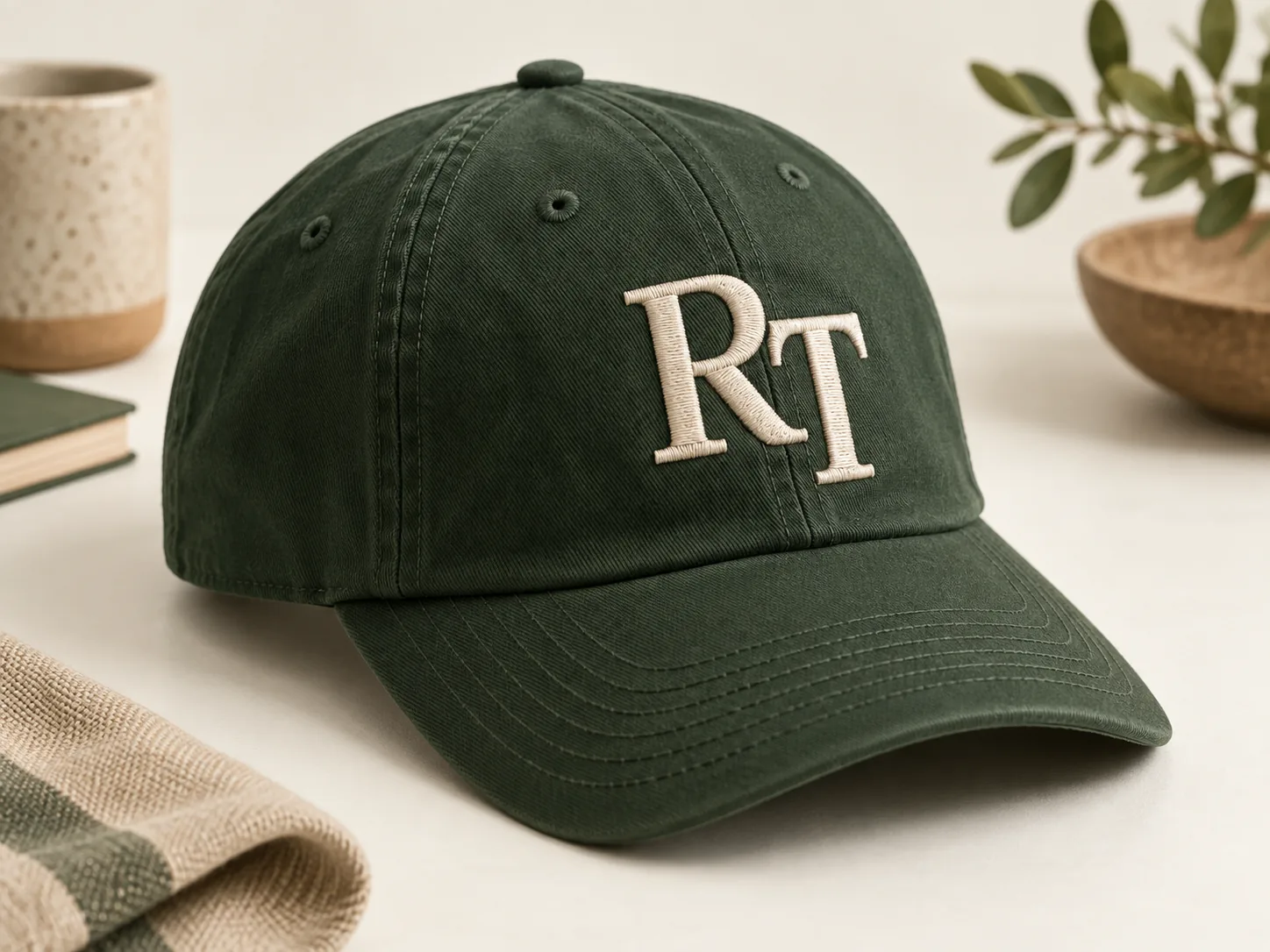
REFERENCE REQUEST / Logo decoration
Embroidery Position
A logo on the crown, its stitch detail and its relationship to the brim.
Request a relevant reference ↗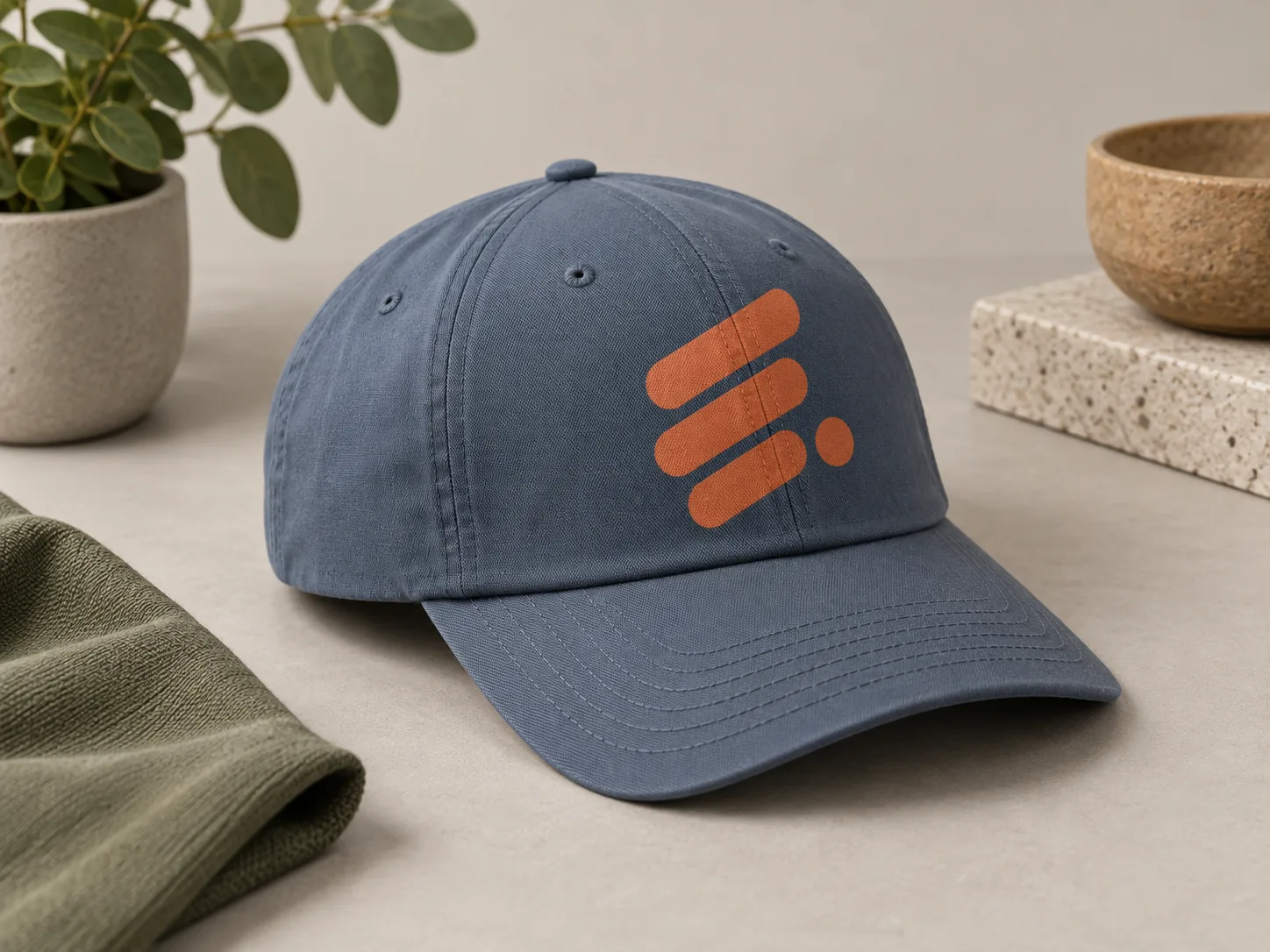
REFERENCE REQUEST / Printed artwork
Print Detail
Graphic edges, color areas and the way a print sits on the selected fabric.
Request a relevant reference ↗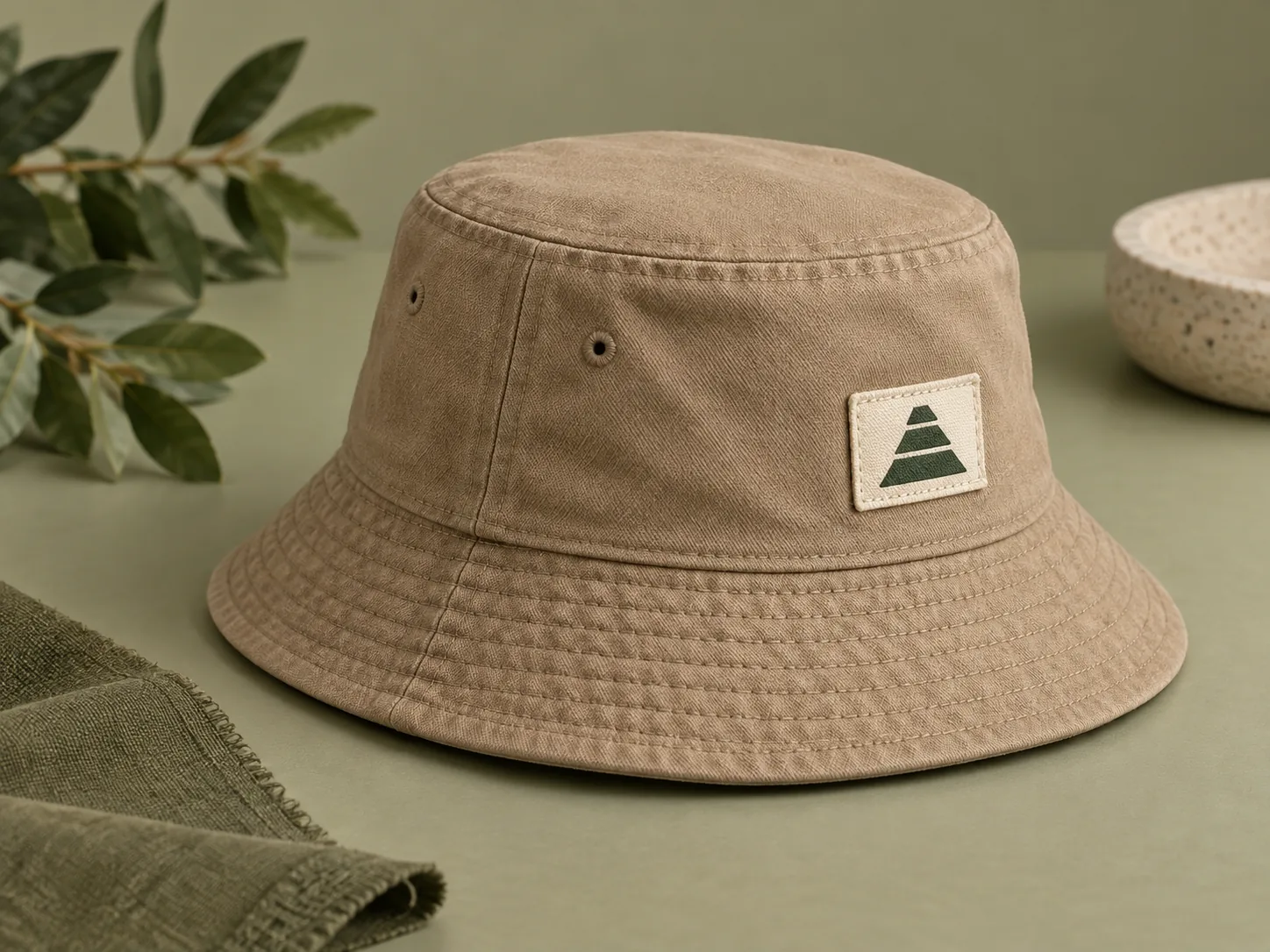
REFERENCE REQUEST / Labels
Woven & Fabric Labels
Label size, attachment and placement on the hat or cuff.
Request a relevant reference ↗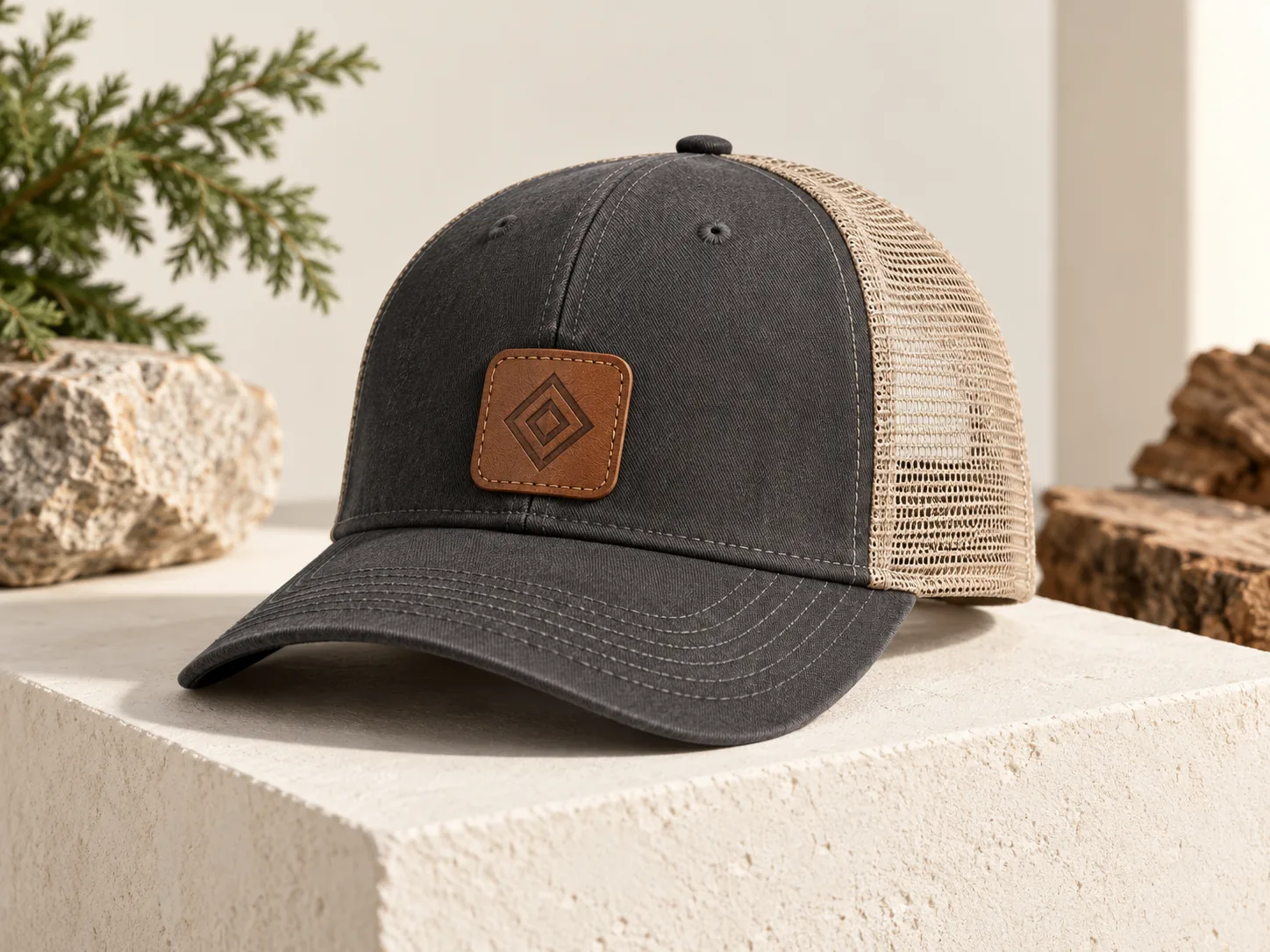
REFERENCE REQUEST / Patches
Leather & Other Patches
Patch shape, material and attachment for the proposed design.
Request a relevant reference ↗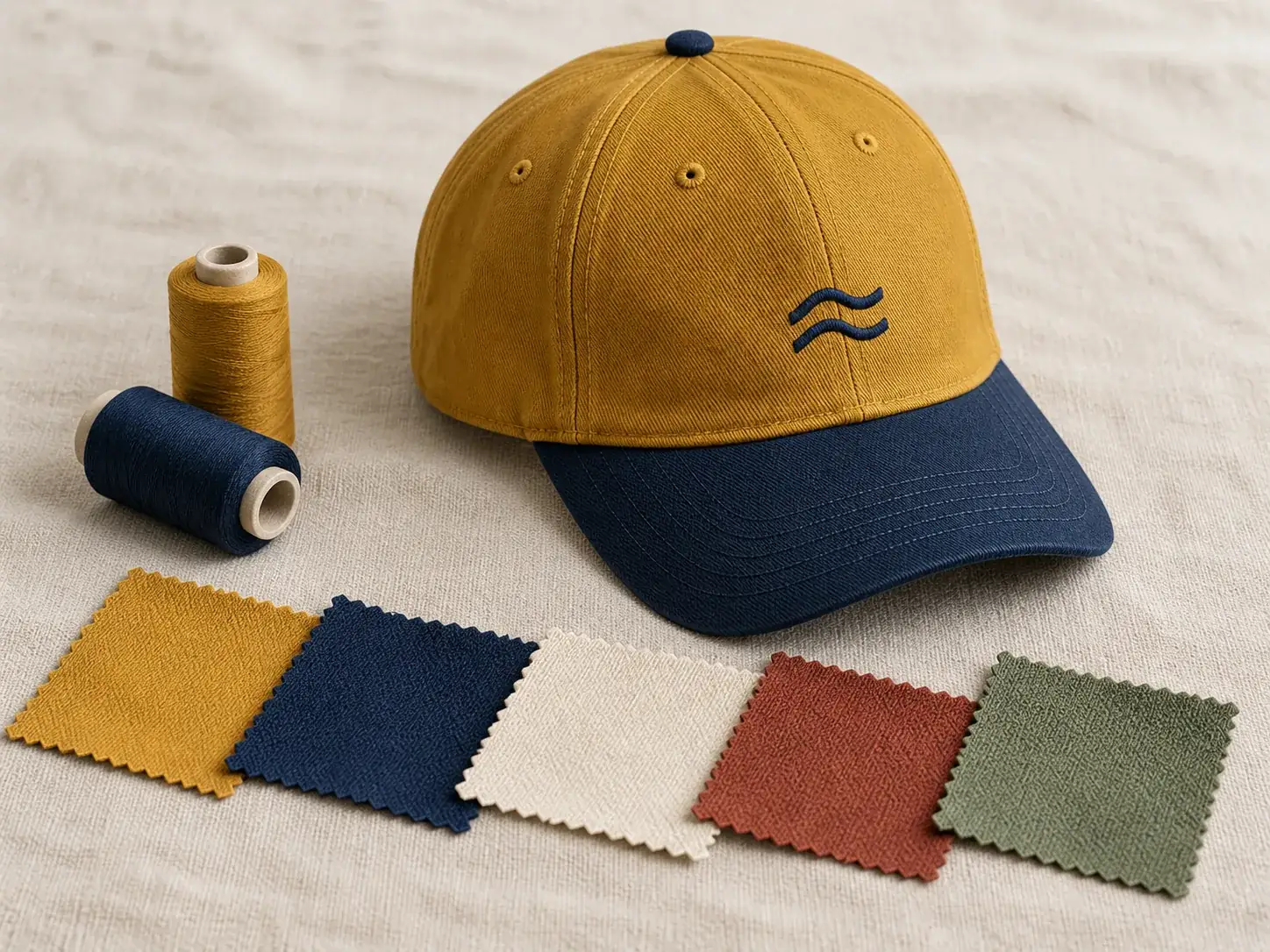
REFERENCE REQUEST / Materials
Fabric & Color
Fabric combinations and physical color references relevant to your brief.
Request a relevant reference ↗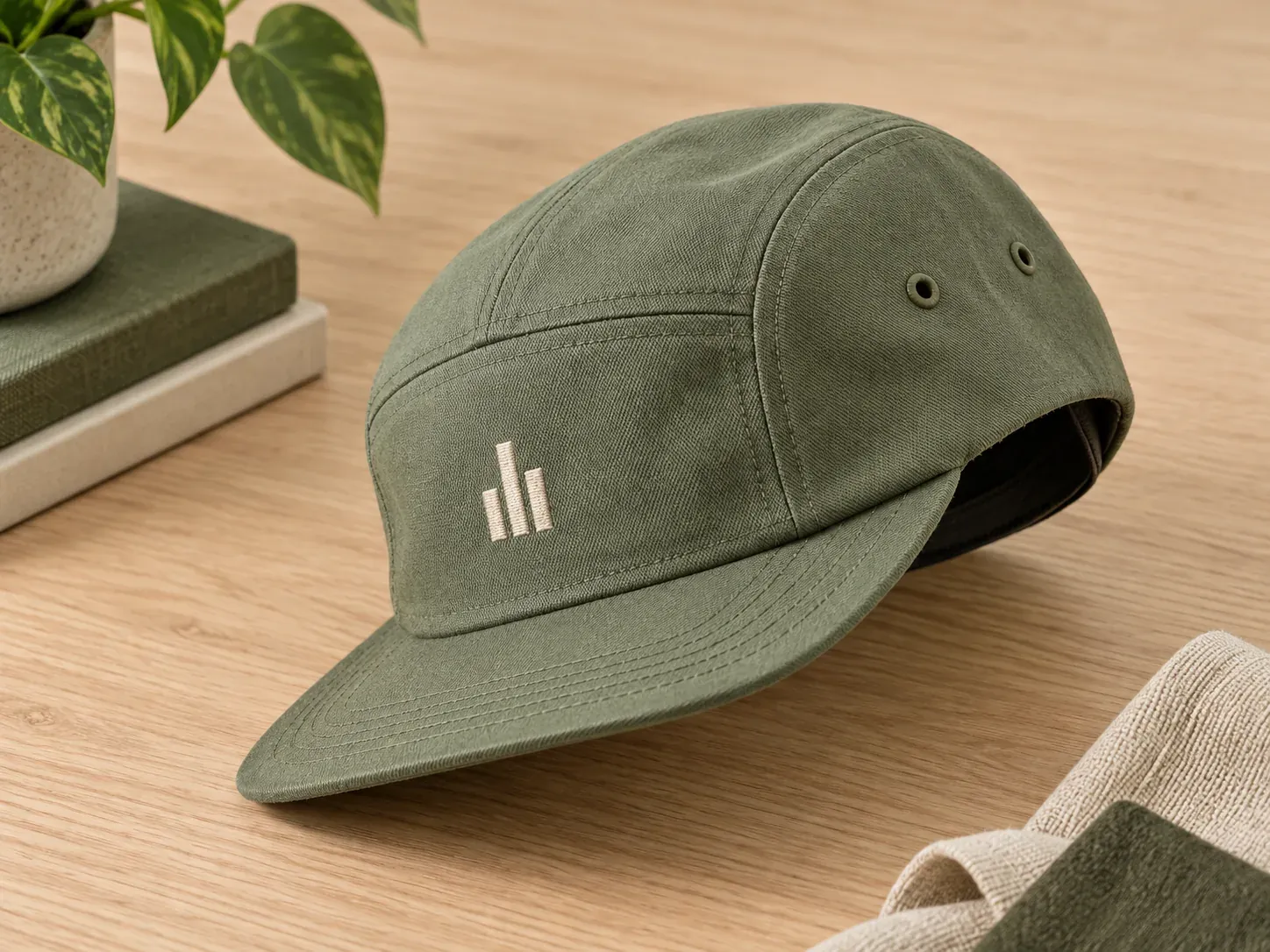
REFERENCE REQUEST / Construction
Shape & Construction
Crown panels, brim structure and the construction direction you want to compare.
Request a relevant reference ↗Original RT and geometric marks illustrate design possibilities. They are not client logos or completed customer-project evidence.
08 / FOUR SEPARATE DESIGN DECISIONS
Design and Sample Review Stages
Keep artwork, shape, decoration and packing decisions clear throughout the project.
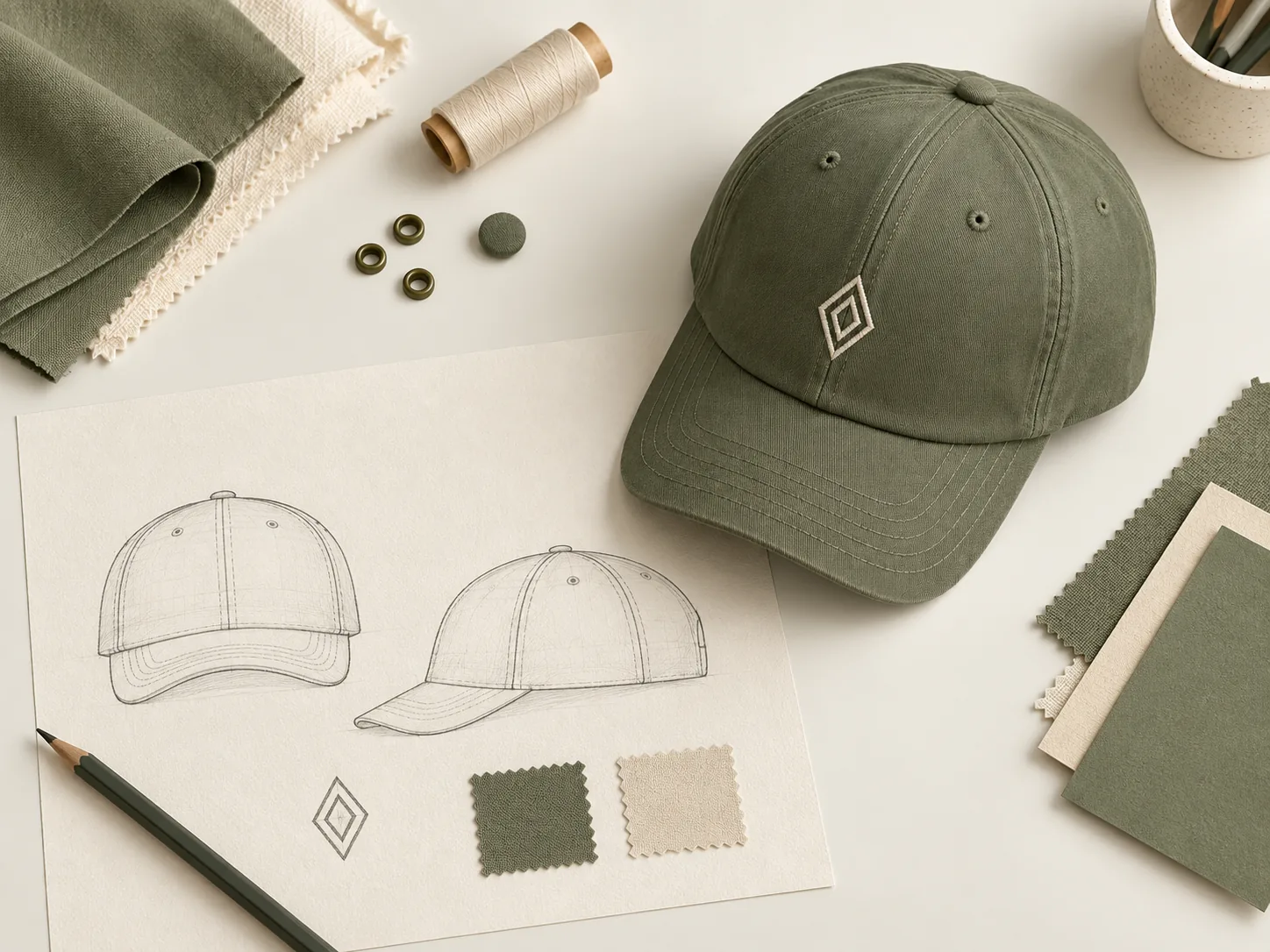
Artwork & Placement
Review the original file, readable details and the position of the logo before discussing the decoration process.
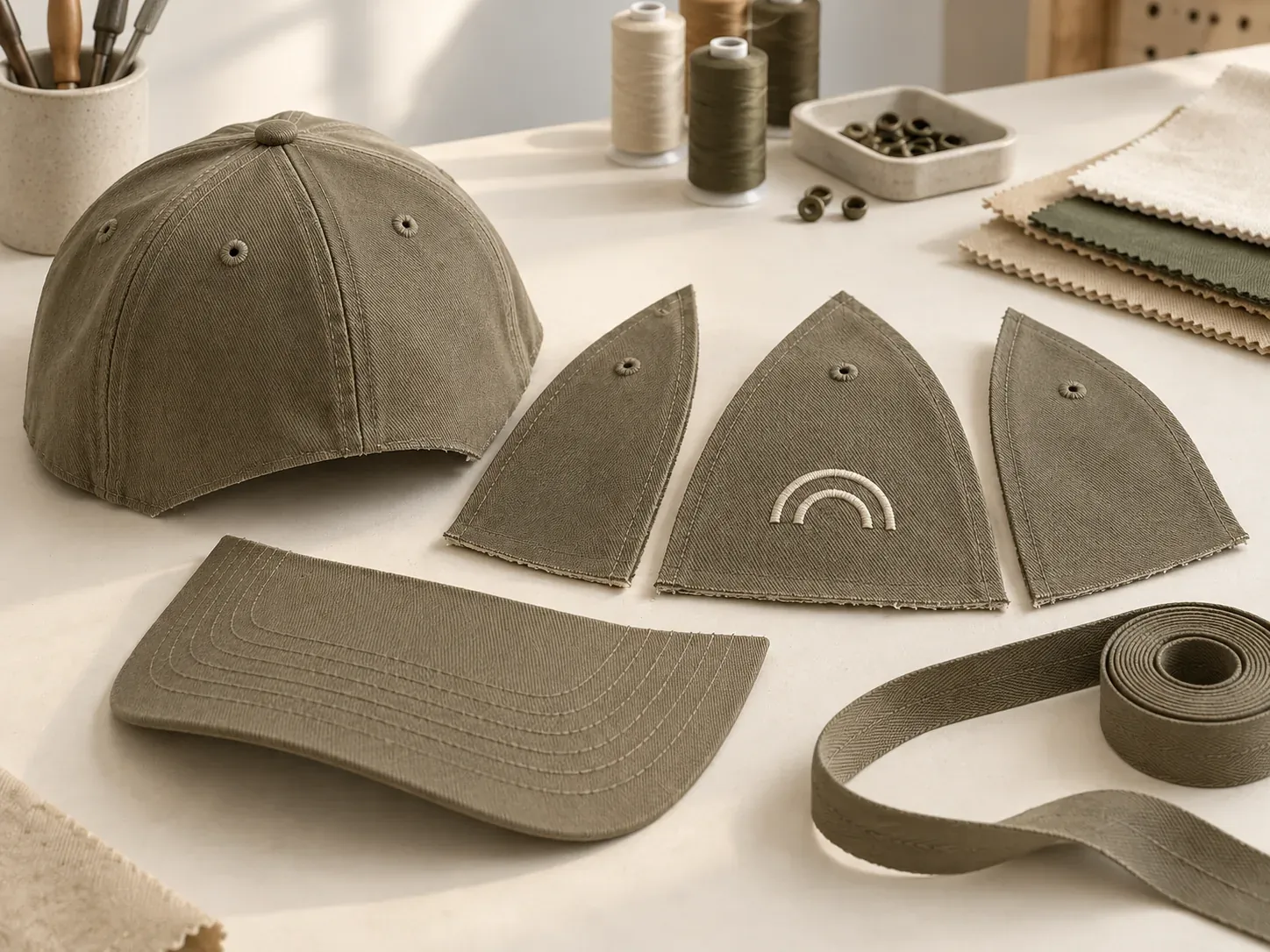
Shape & Construction
Compare the proposed silhouette, panels, brim and wearing structure on the physical sample.
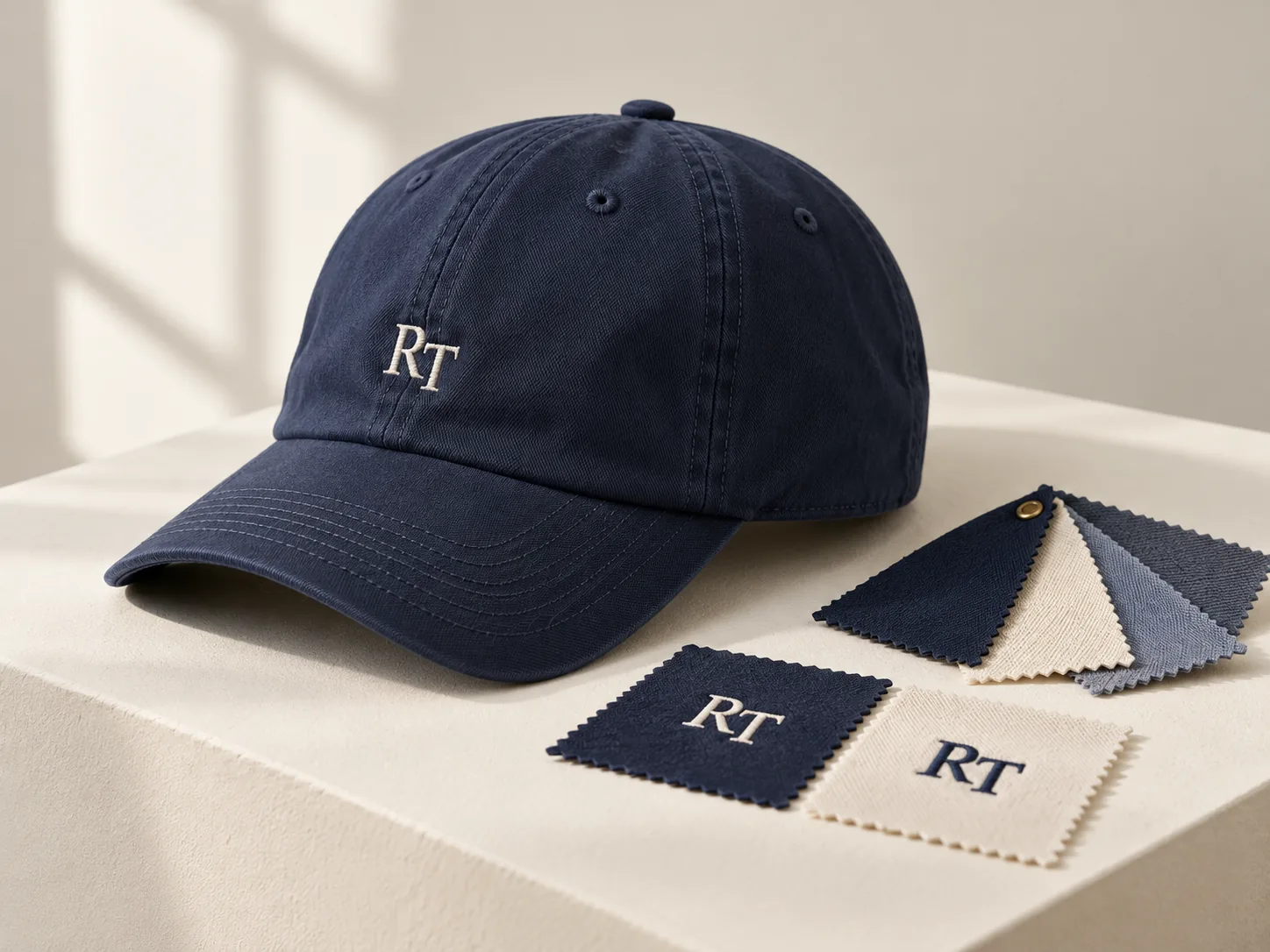
Decoration & Color
Review the actual embroidery or print, fabric and colors together, including any requested revisions.
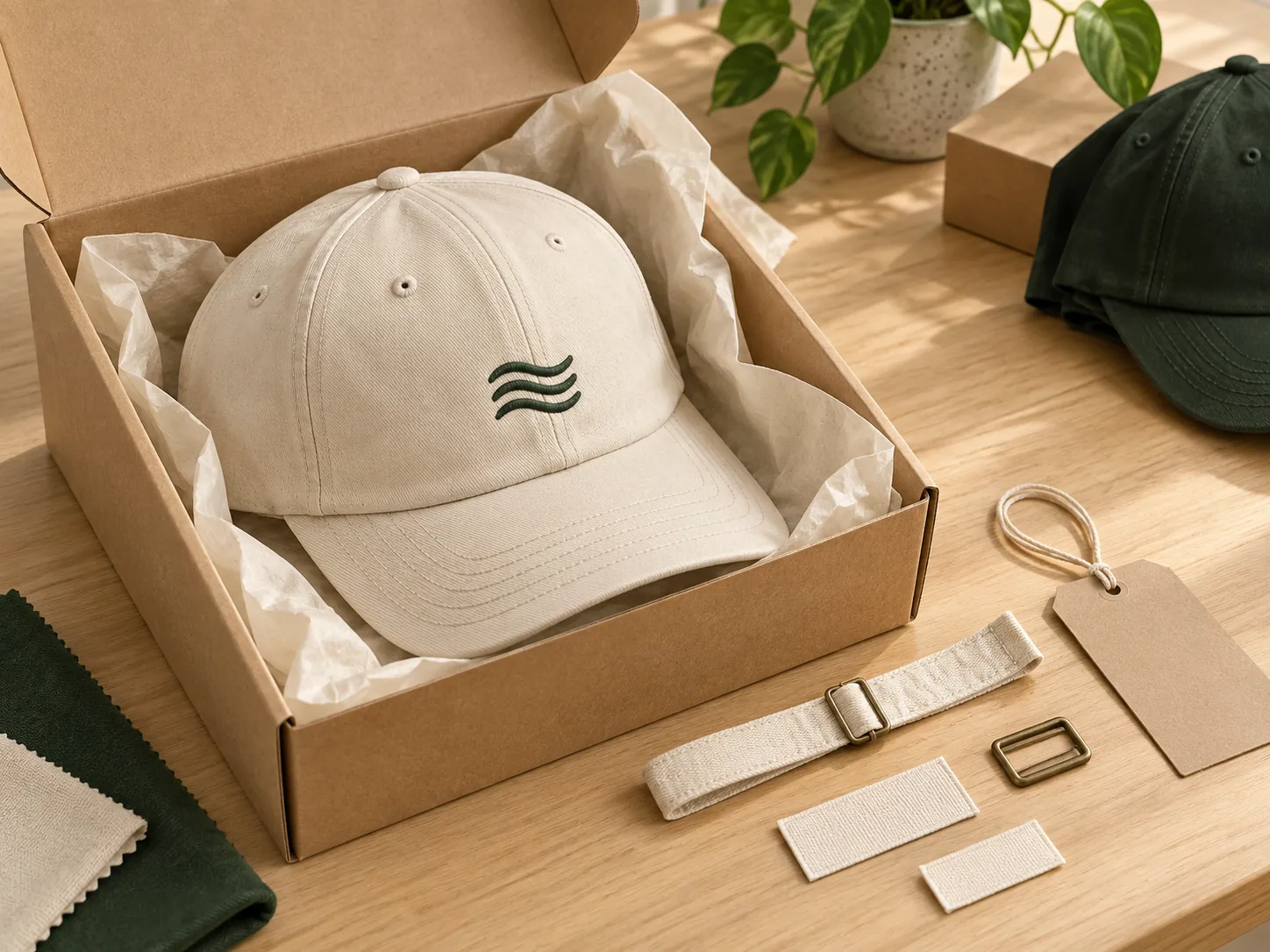
Labels & Packing
Check the final label, trim and packing requirements against the project brief.
Suggested review topics with illustrative concept imagery; no completed order or approval result is shown.
Discuss a review stage ↗09 / CUSTOMER FEEDBACK REQUESTS
Feedback Relevant to Your Project
Ask about relevant customer feedback, its original context and whether it is cleared for sharing.
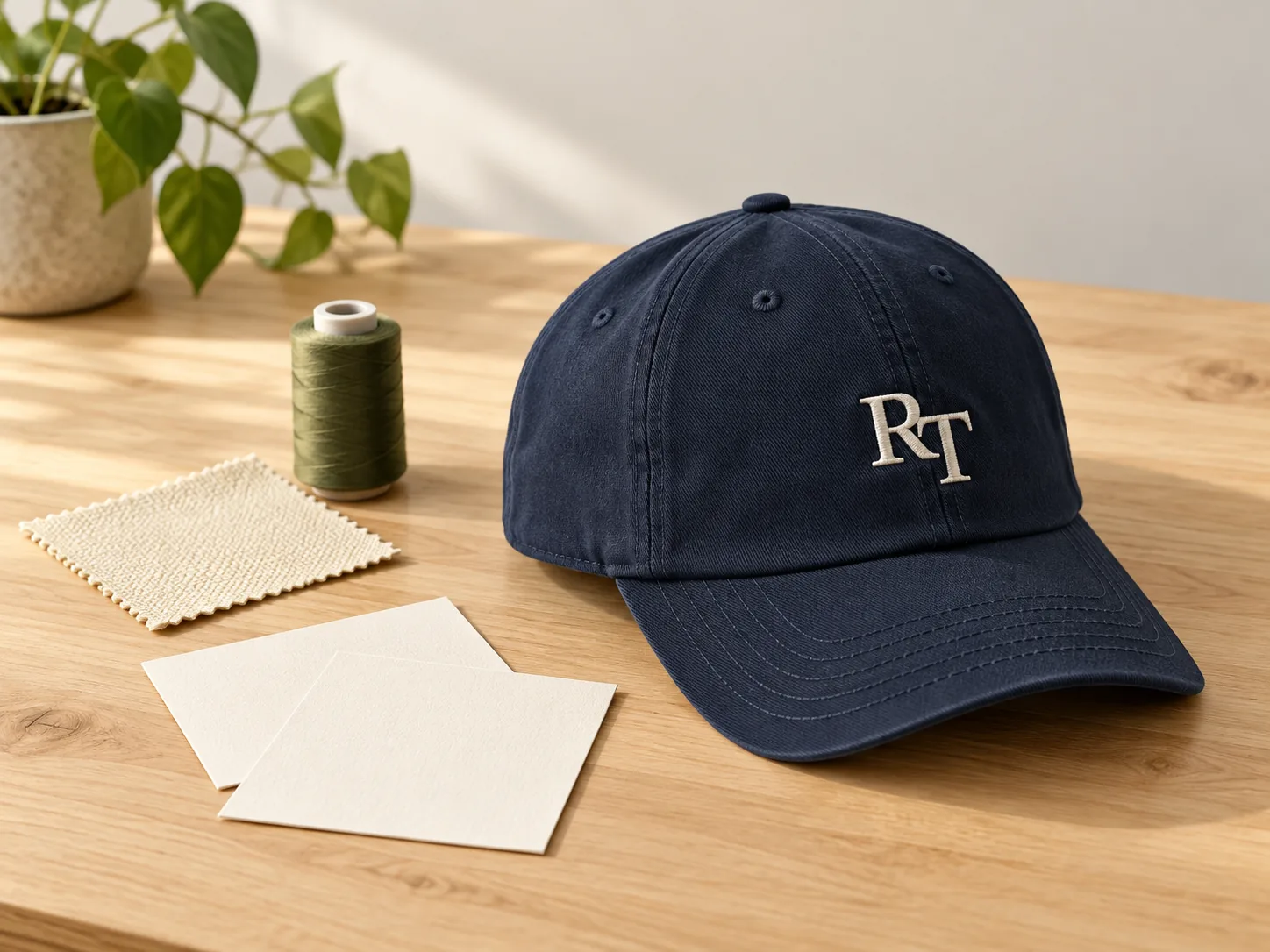
FEEDBACK REQUEST
Design Communication
Ask whether relevant feedback about interpreting artwork and logo requirements is available to share.
Ask about relevant feedback ↗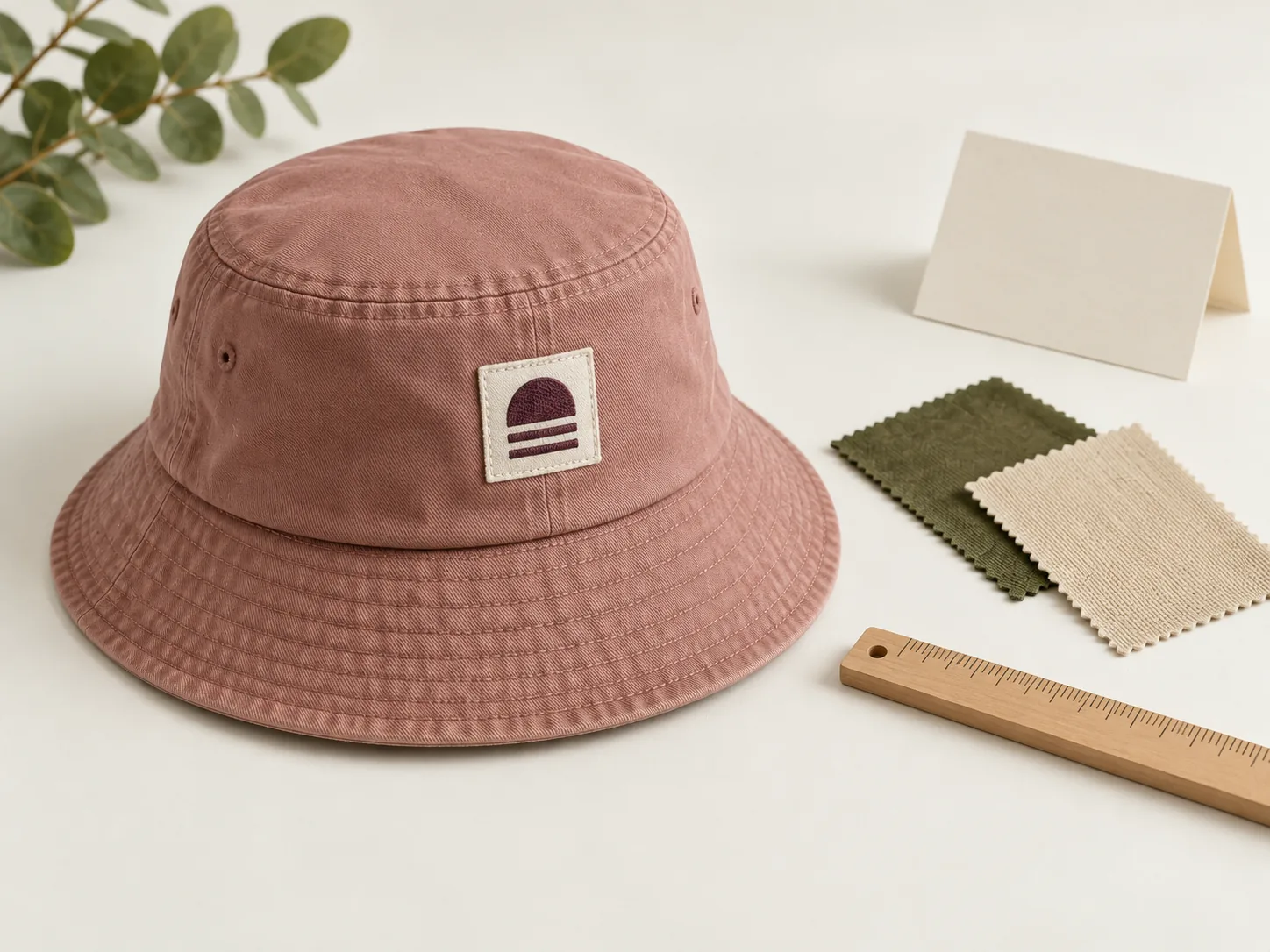
FEEDBACK REQUEST
Sample Revisions
Ask for relevant feedback about sample changes, clarification and buyer confirmation.
Ask about relevant feedback ↗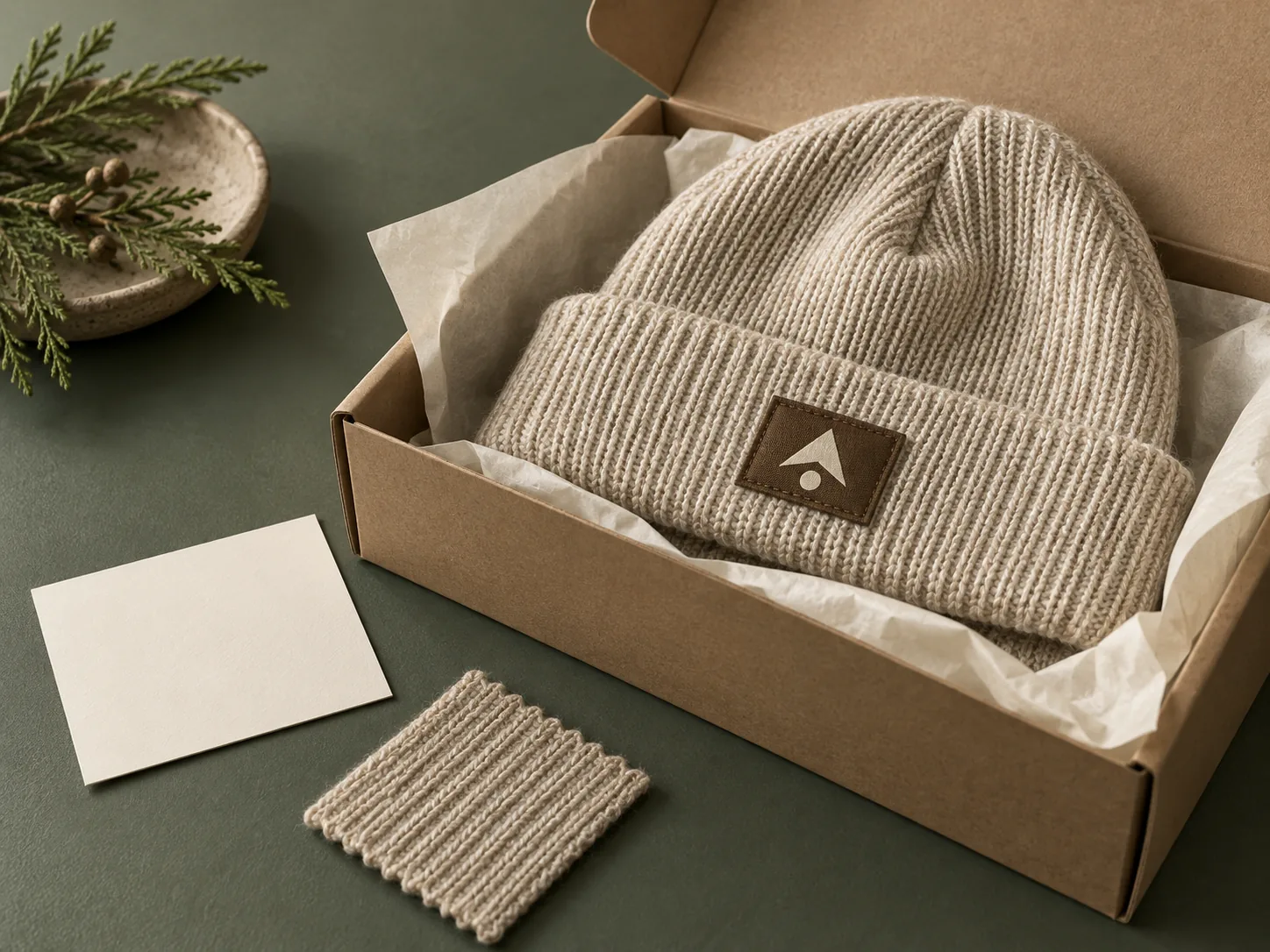
FEEDBACK REQUEST
Order Requirements
Ask whether feedback relevant to final requirements and order coordination can be shared.
Ask about relevant feedback ↗Illustrative project contexts. No customer quotation, rating or identity is presented.
10 / BEFORE YOU SEND YOUR BRIEF
Logo Files and Design Questions
What the preview can express, what your original files preserve and what the project still needs to confirm.
Read the Artwork Preparation Guide ↗Can I use a transparent PNG?
Yes. Upload a PNG with transparent areas to place your logo directly on the fabric. The original artwork and design preview are included when you confirm and send the inquiry.
What if my image has a white background?
A white background stored in the image remains part of that image. Use a PNG with actual transparency for a background-free preview, or attach the original design and explain the finish you want.
How do I change the logo position?
Choose the area of the hat, then adjust the logo position and size in the editor. Add target measurements to your project notes when available; the physical sample confirms the final placement.
Can I send a design without using 3D?
Yes. Choose Send Your Design and attach your artwork or reference files to the inquiry below. A 3D model or preview image is not required.
What if the 3D view does not load?
You can still describe the hat, colors and logo requirements and attach original files below. A browser graphics limitation does not prevent the direct-design inquiry path.
Will the colors match the finished hat?
Screen colors are a visual reference. Fabric, embroidery thread, printing, lighting and your display can differ. Agree physical color references and check the sample before production.
What are the MOQ and lead time?
They depend on the hat construction, materials, decoration, quantity and sampling needs. Include your quantity request and target date so the project terms can be reviewed.
Have my files been sent?
After reviewing your details, select Send inquiry to Rongtai and check the submission result. Saving a draft does not send it. If submitting fails, email [email protected].
Have original artwork ready, or need the contact details? Review design-file submission and contact options ↗
11 / KEEP THE DESIGN WITH THE BRIEF
Your Hat Design Inquiry
A 3D concept or your own artwork.
Include your hat direction, original files and procurement requirements. Add the questions you want to resolve about shape, decoration, samples or packing.
01Your original artwork and reference files
02Quantity request and destination market
03Sample questions and your target date
Review your design and purchasing details before sending. Saving a draft keeps it on this device.
How Your Inquiry Data Is Used ↗