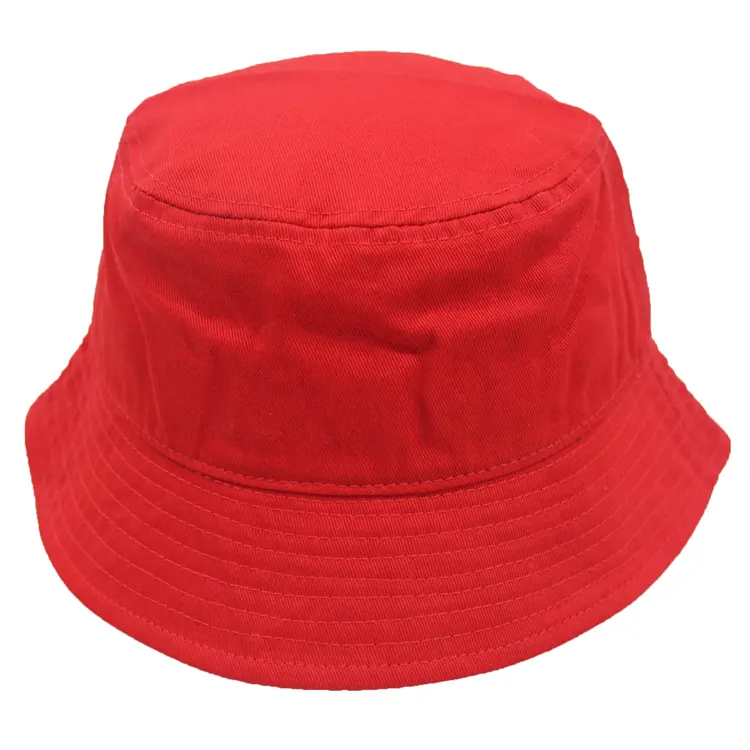
Crown profile
Share a reference for the crown height and the way you want it to sit.
Add to my brief ↗BUCKET HATS / CUSTOM DIRECTION
Create a bucket hat around your preferred crown, all-around brim, fabric and logo placement. Share the shape and branding you want for your collection.
Still choosing a silhouette? Compare the full range of hat shapes before setting the construction details.
Request a quote based on your design, quantity and destination. MOQ, sample cost and timing are confirmed for your project.
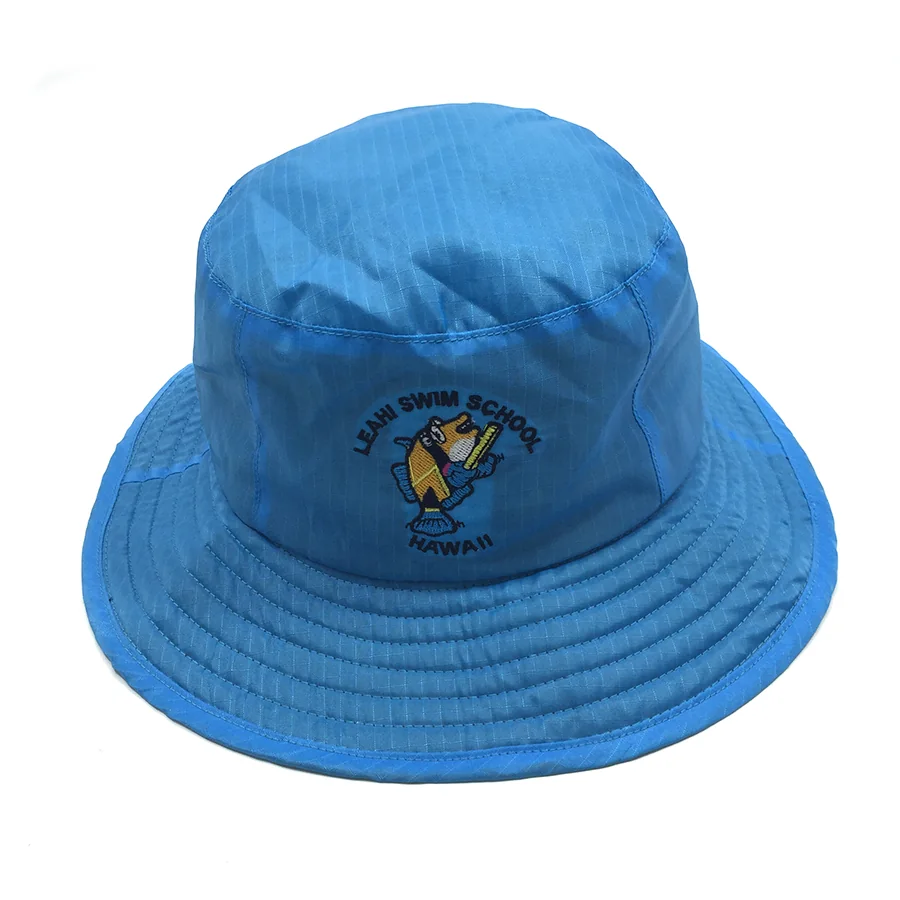
01 / SHAPE & CONSTRUCTION
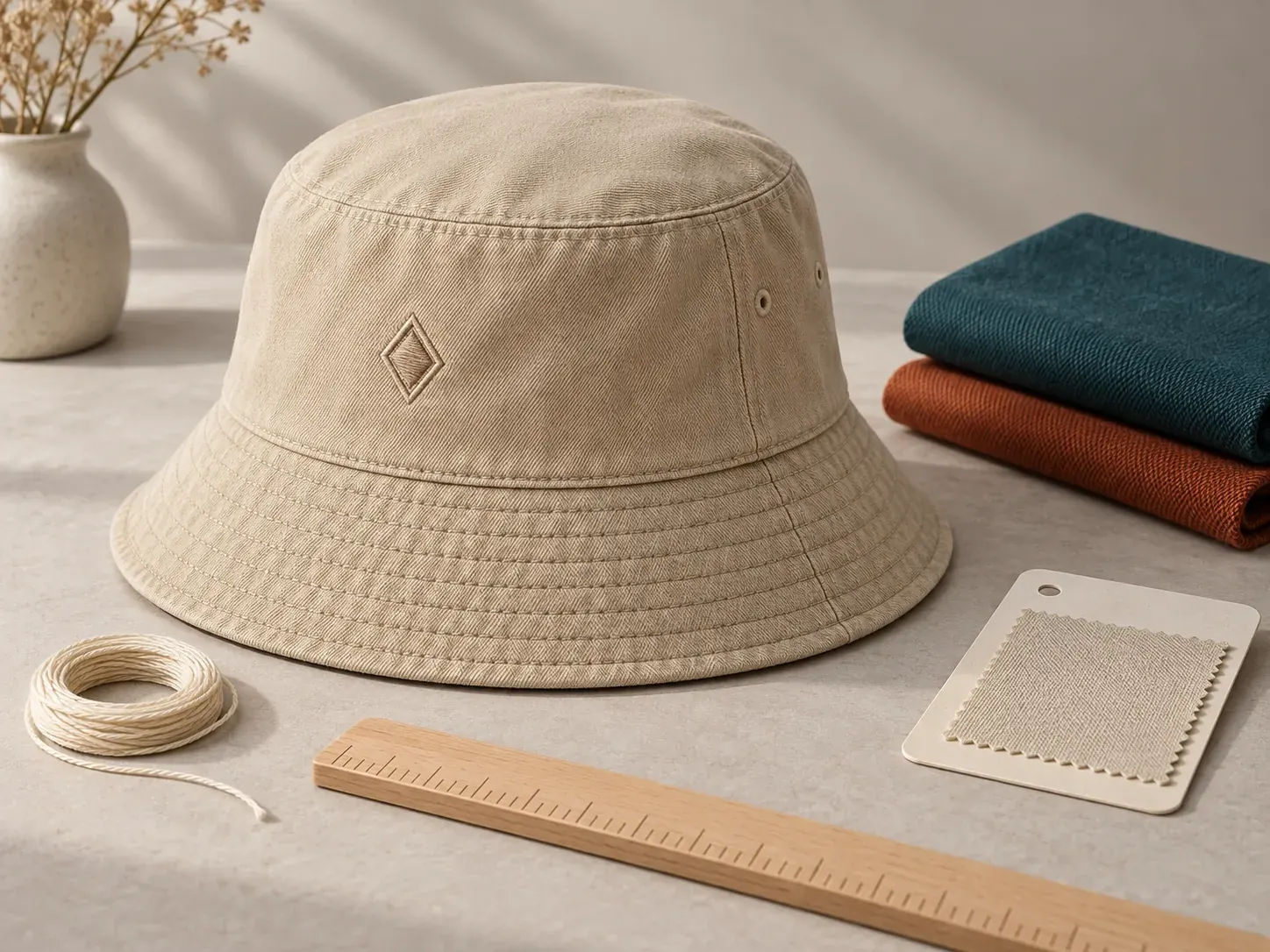
A bucket hat has a distinct circular brim, crown shape and stitch lines. Discuss brim width intent, panel layout and wearing direction without borrowing a cap brim.
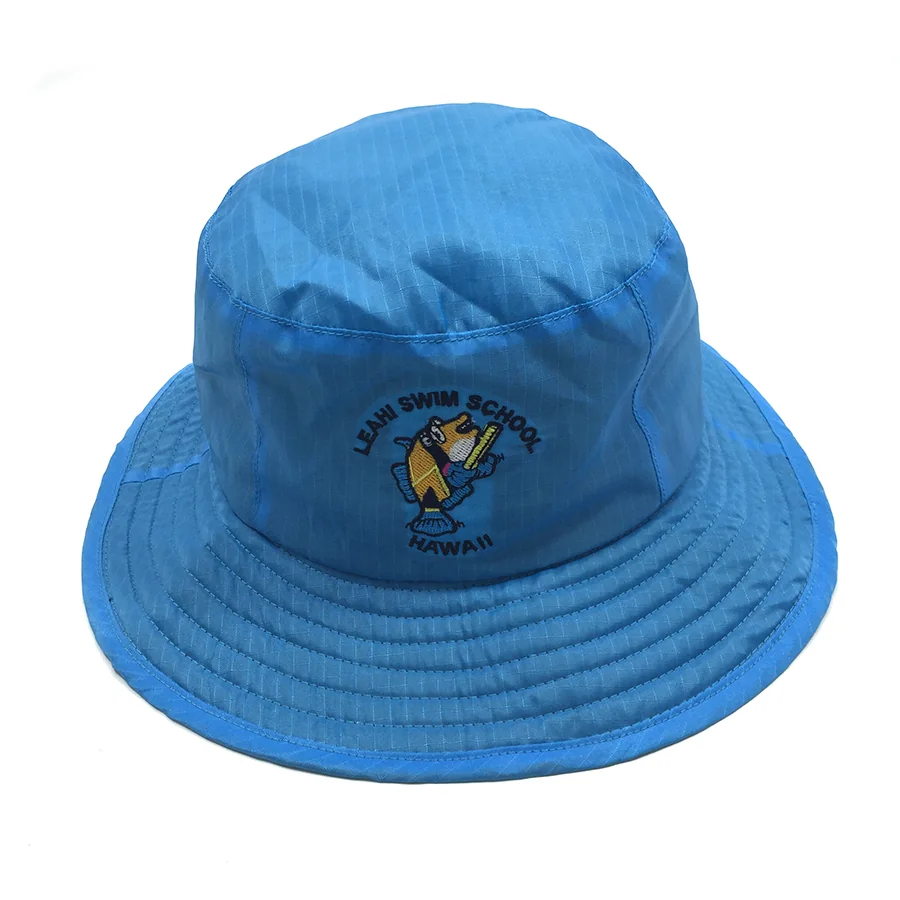 Front angle
 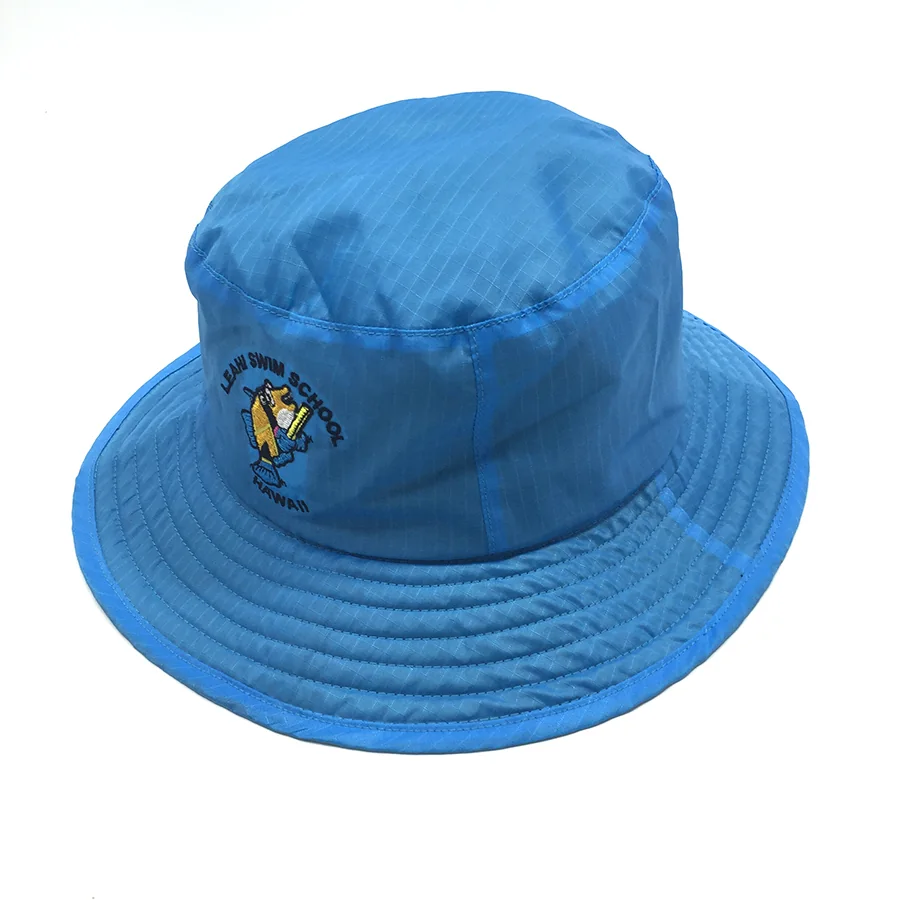 Side angle
 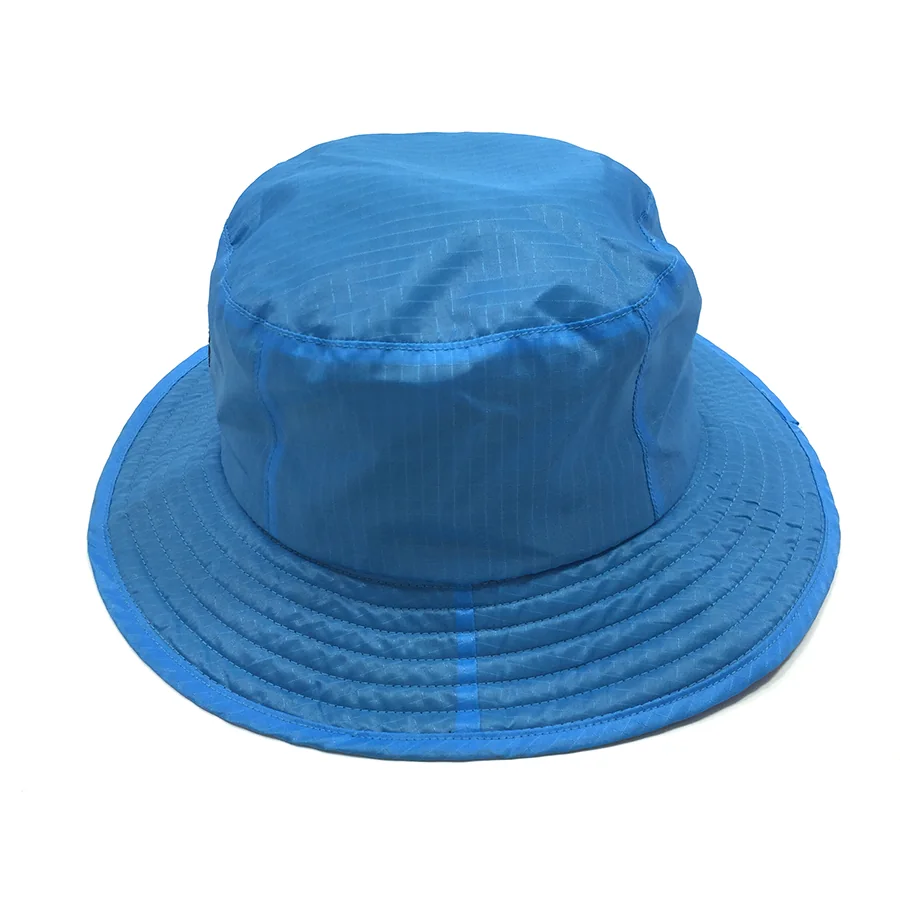 Side view
 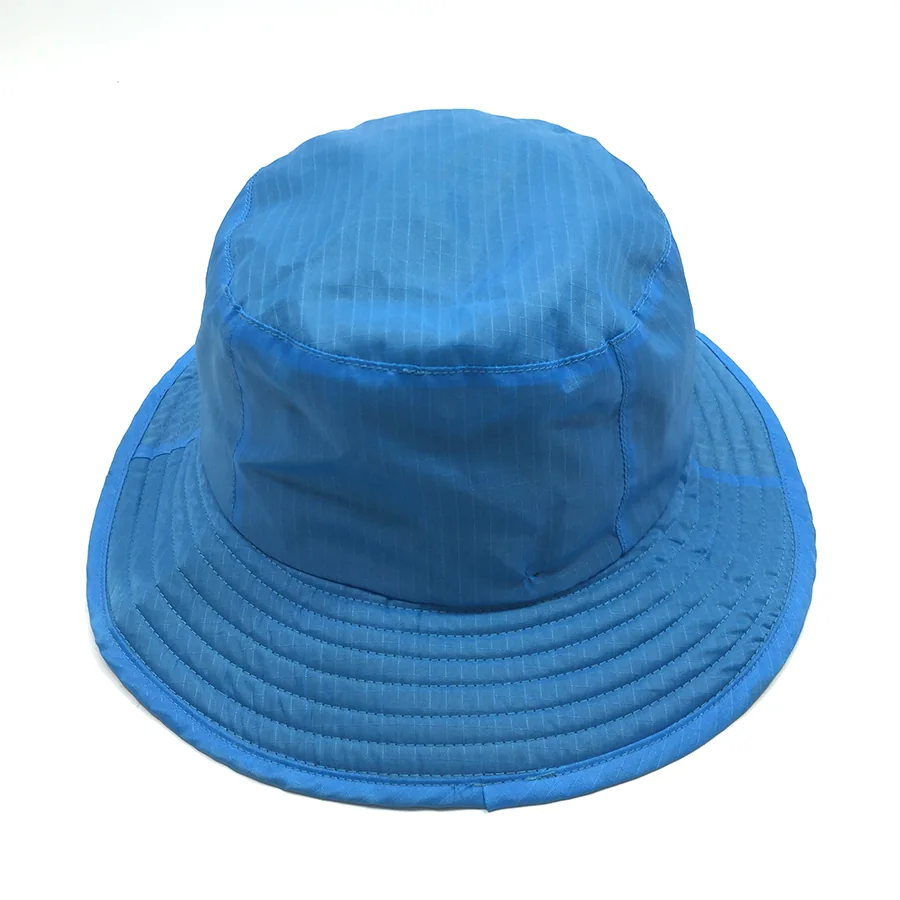 Elevated view
 Share a reference for the crown height and the way you want it to sit.
Add to my brief ↗02 / MATERIAL & COLOR
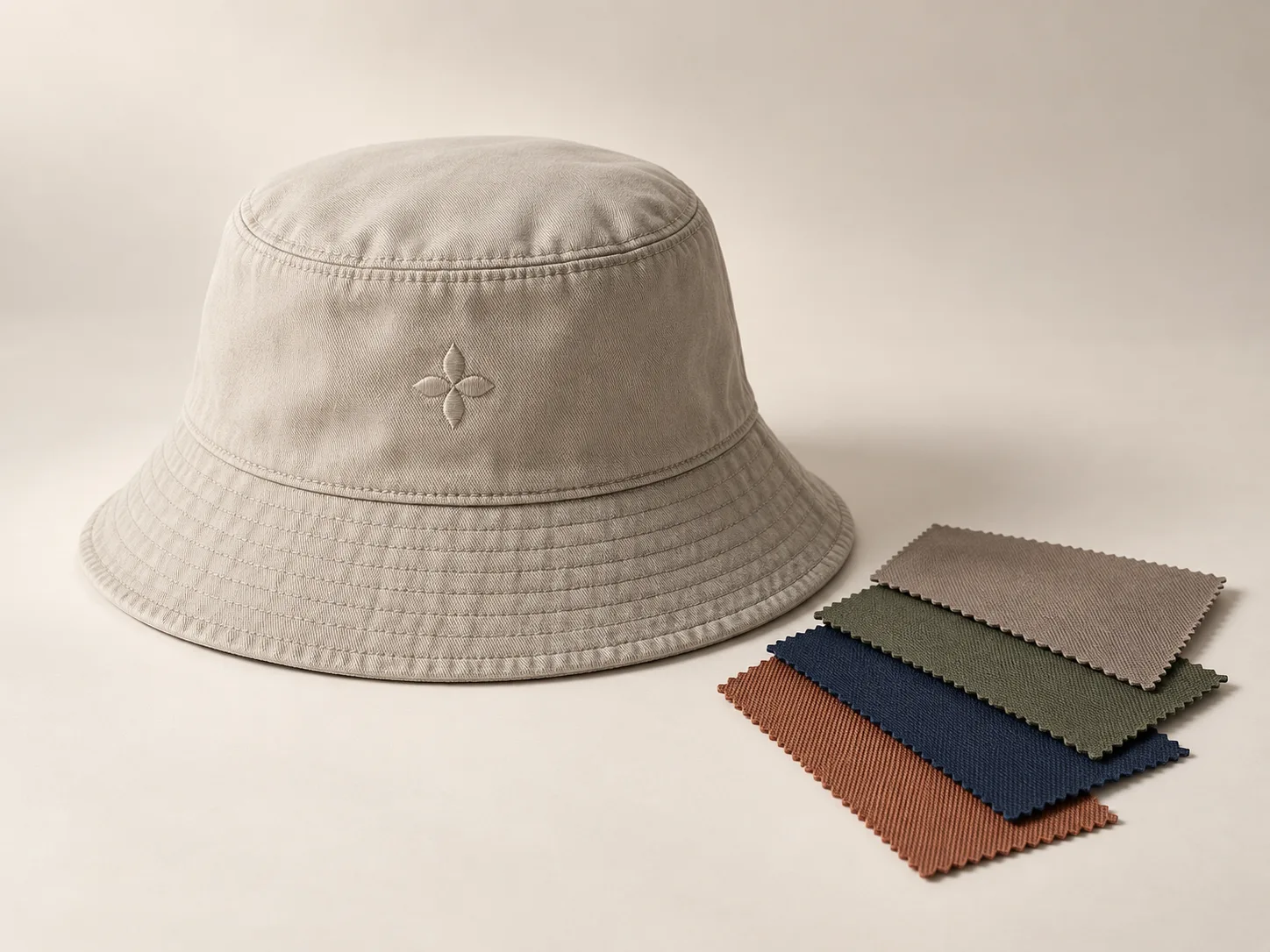
Share the fabric feel, crown and brim color direction, plus any reference photo or swatch. Final color and shape are confirmed with the actual sample.
Attach a color reference or material photo when available. A screen tone is an intent only; final color is confirmed against the project sample.
03 / LOGO PLACEMENT
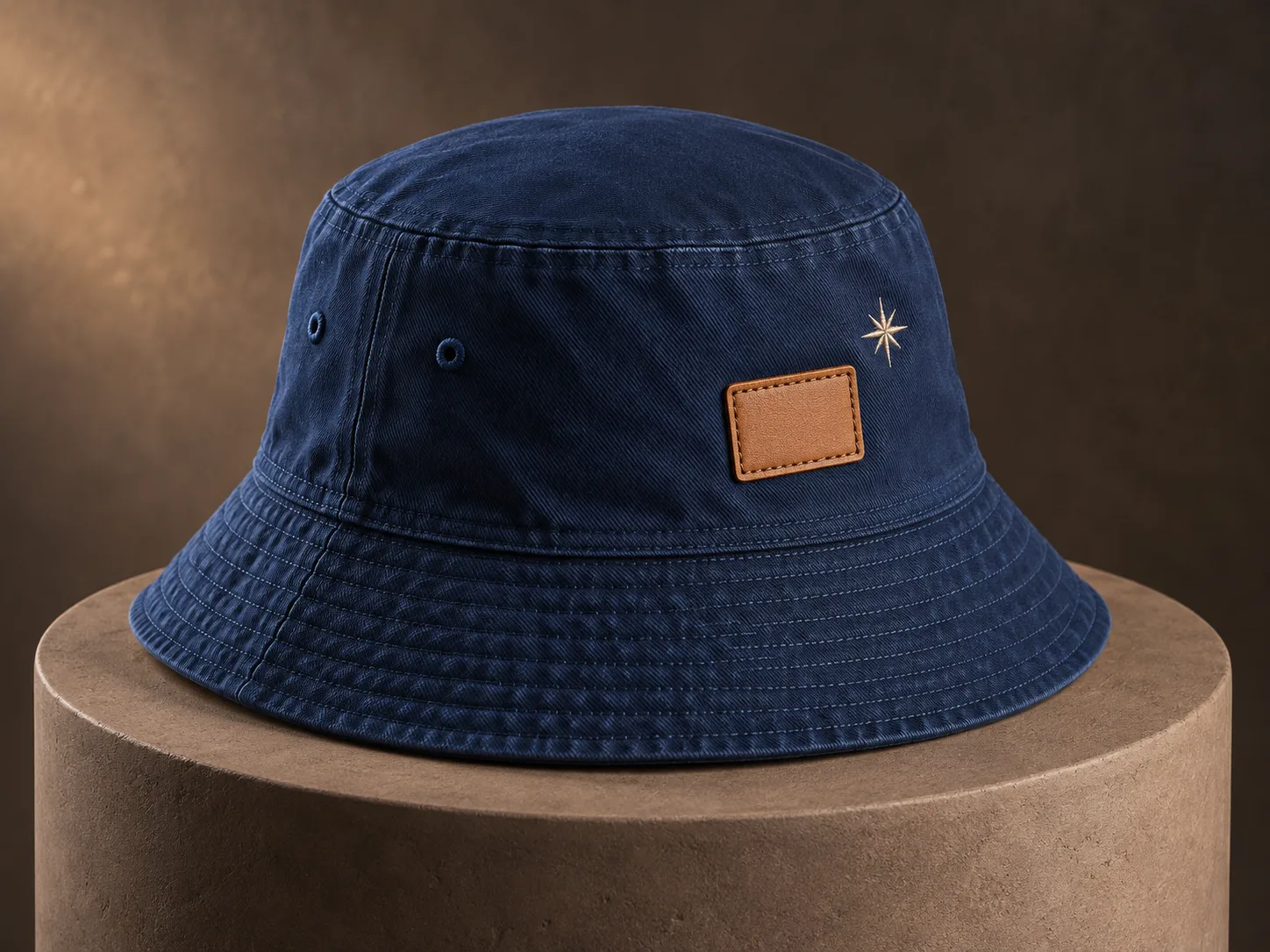
Choose a front, side, back or brim-adjacent intent. Artwork orientation and placement are checked around the actual crown and stitching lines.
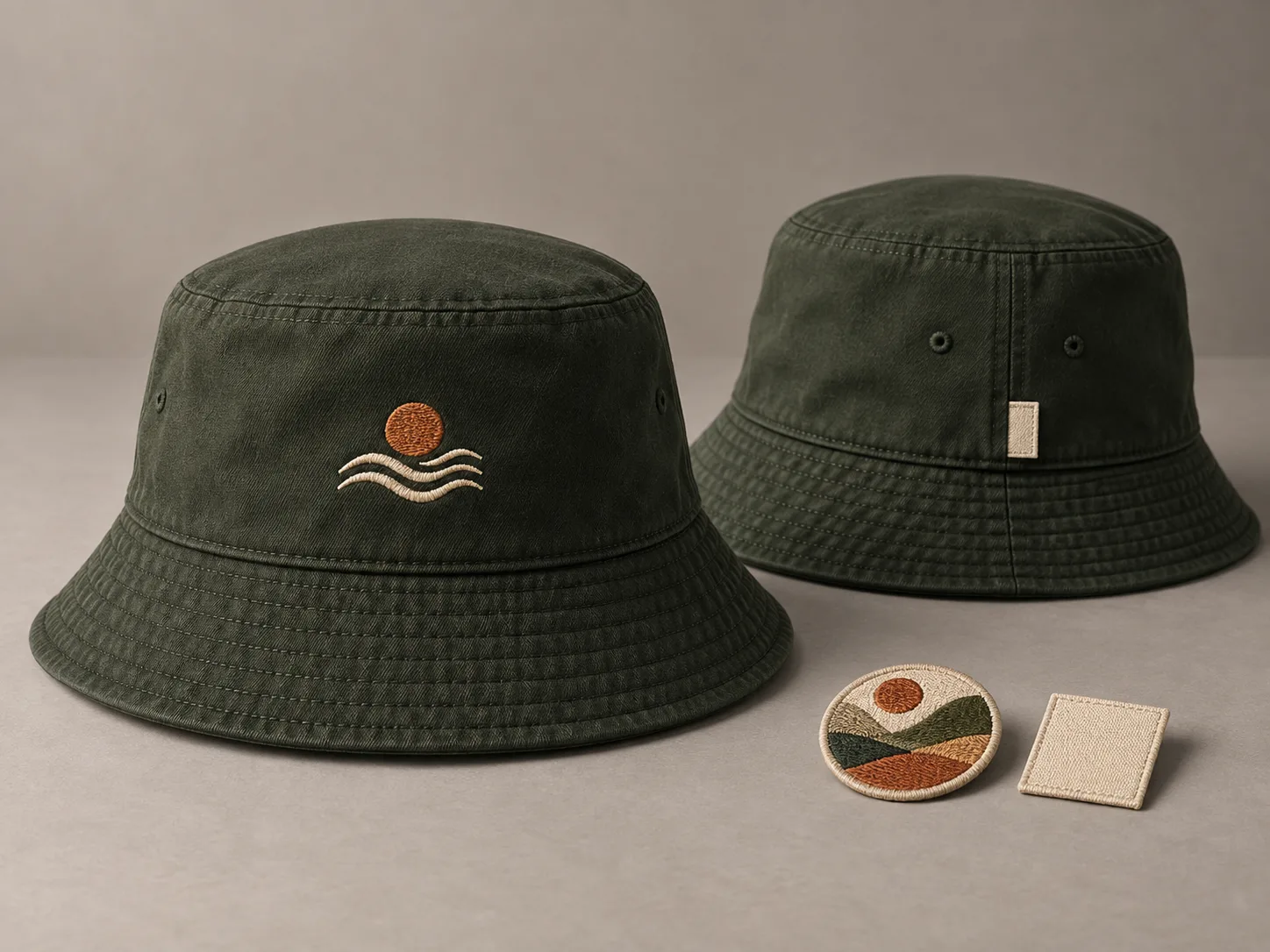
A centered embroidery, print, label or patch direction to review.
Discuss this placement ↗A side identity mark that accounts for panel and stitch lines.
Discuss this placement ↗A subtle label or decoration direction that requires sample checking.
Discuss this placement ↗Embroidery, printing, woven or fabric labels, and leather or other patches can be evaluated against the hat body, material, artwork and intended location. A 3D position is not a production approval.
Compare embroidery and printing requirements alongside your chosen logo position.
Use your transparent PNG in 3D ↗04 / PHYSICAL SAMPLE REVIEW
Use the sample to review the points that matter to this direction. MOQ, sample cost, production timing and logistics are checked for the actual request.
Brim symmetry and overall silhouette
Crown shape and panel alignment
Stitch lines and orientation
Logo direction when the hat is worn
05 / RELEVANT REFERENCE
Ask whether a relevant bucket-hat reference can be shared for comparison where it is authorized and suitable for your project.
Tell us the construction, logo method and market context you want to compare. Any reference would need to be relevant and cleared for disclosure.
Request a reference discussion06 / BUYER QUESTIONS
Share the construction reference, logo intent, color reference, quantity, destination and desired date. It is fine to mark an item as undecided.
Prepare color references and sample checks before you send the brief.
See how the 3D concept works ↗Describe the shape direction and attach a reference. The final brim construction is confirmed through the product discussion and sample.
Add this question to my brief ↗Front, side and back positions can be discussed, but usable space and orientation depend on the chosen crown, brim and stitching.
Add this question to my brief ↗Yes. Attach the original file or reference directly to the inquiry; using the 3D studio is optional.
Add this question to my brief ↗YOUR PROJECT BRIEF
Bring your bucket hat direction, original artwork and purchasing requirements together. Review and edit your details before sending.
01Describe the hat direction and what remains undecided.
02Attach a transparent PNG, artwork or reference when you have it.
03Include quantity, destination and the date you are working toward.
This is a local preview. The form can review and store a draft on this device; it does not send an inquiry.
BUYER GUIDES
Prepare a bucket hat sample brief: mark brim width at the front, sides and back, describe slope, edge finish and stitching, then check the physical sample.
Read the guide : Custom Bucket Hat Brim: What to Specify for a Sample