Embroidery
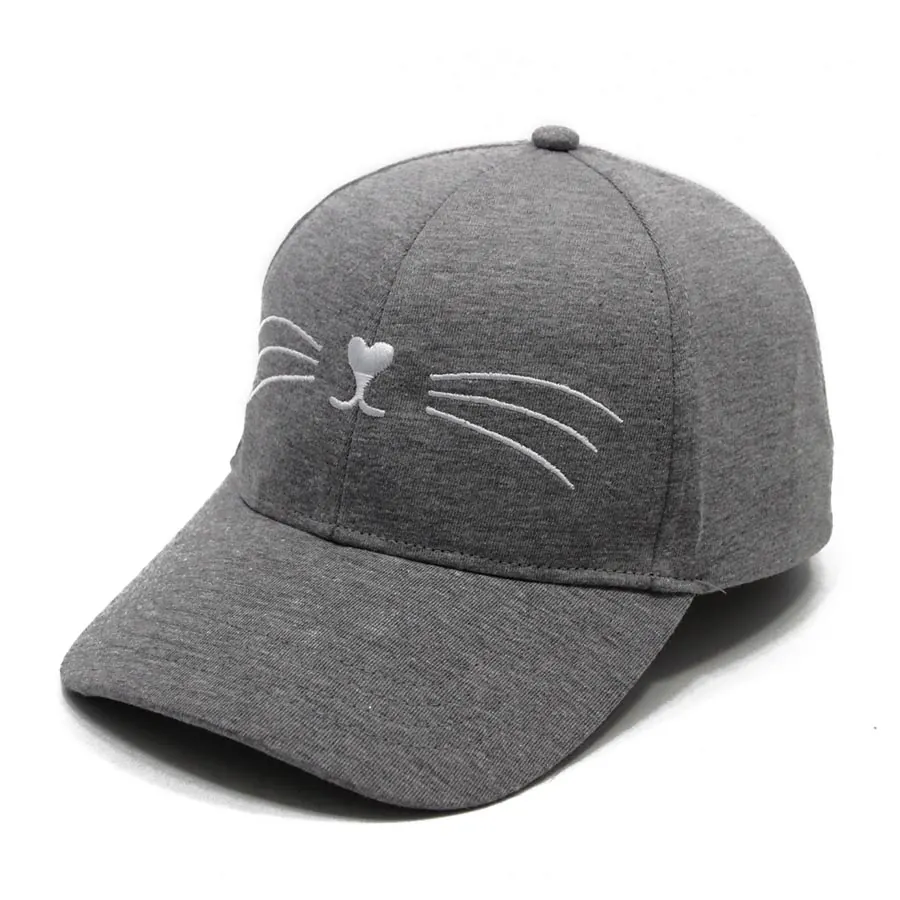
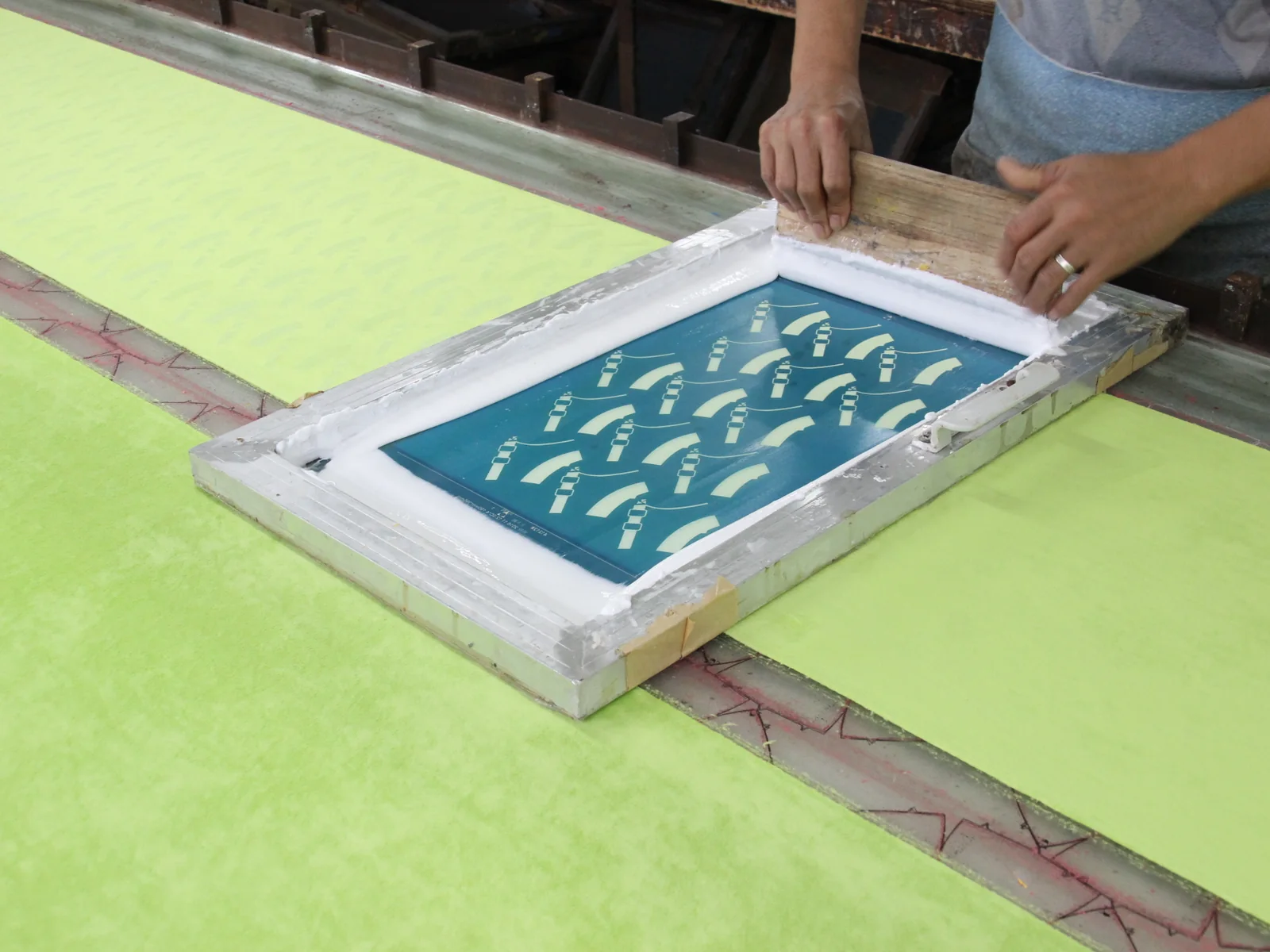
Use thread texture when the intended result is built from stitched detail. Artwork, lettering and intended dimensions still need a technique review.
LOGO CUSTOMIZATION / OEM
Develop the logo, fabric and color details around your own artwork or an interactive 3D concept.
Choose a decoration direction as a project requirement. The selected hat, artwork and material still need review together.
01 / LOGO DECORATION
Start with the appearance you need: stitch texture, small detail, color coverage and intended position. A transparent PNG can explain the visual idea, but it is not automatically the final production artwork for every method.
Use thread texture when the intended result is built from stitched detail. Artwork, lettering and intended dimensions still need a technique review.
Use the artwork area, color coverage and fabric reference to discuss a printed direction. The applicable method is confirmed against the project material.
Keep the original logo and any target dimensions with your inquiry. Detail limits and the workable decoration area are checked with the hat and material.
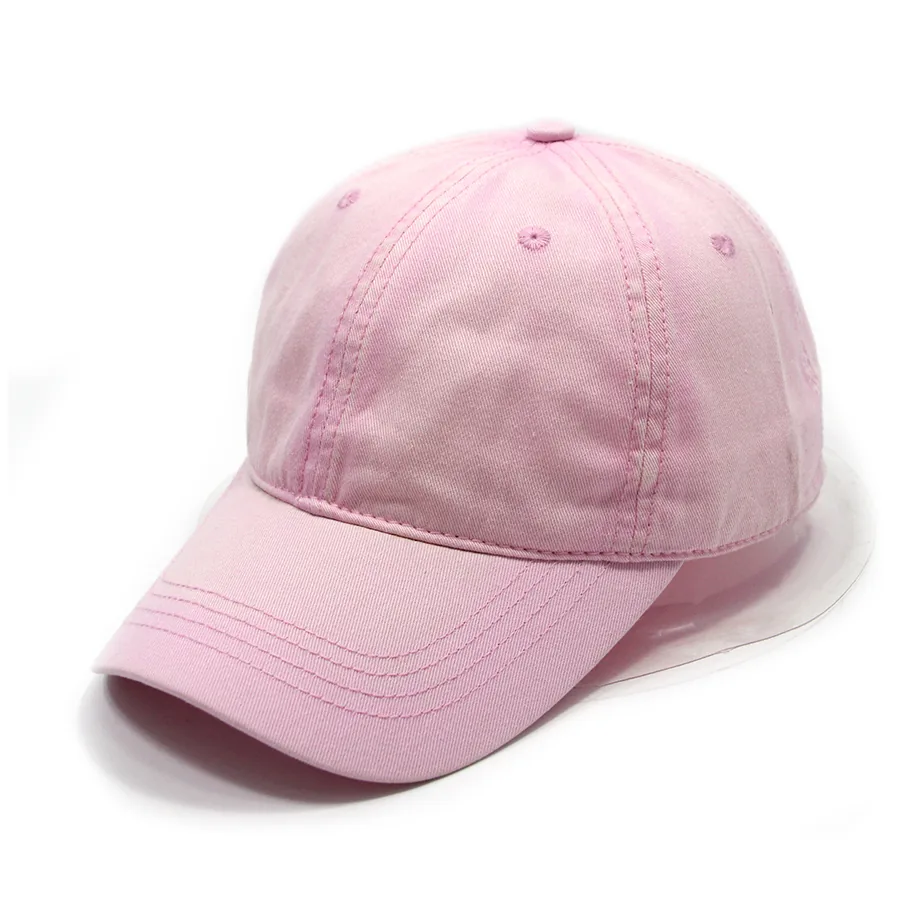
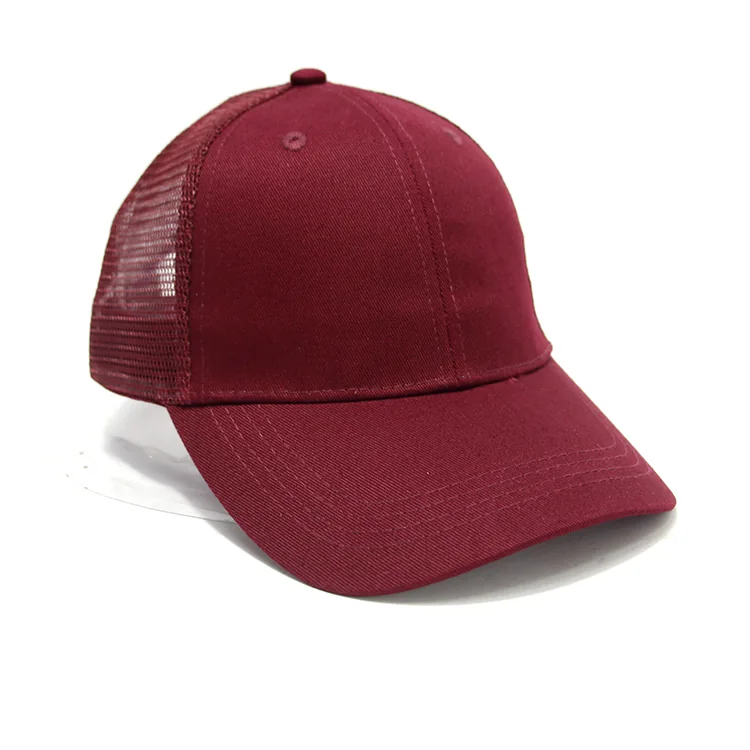
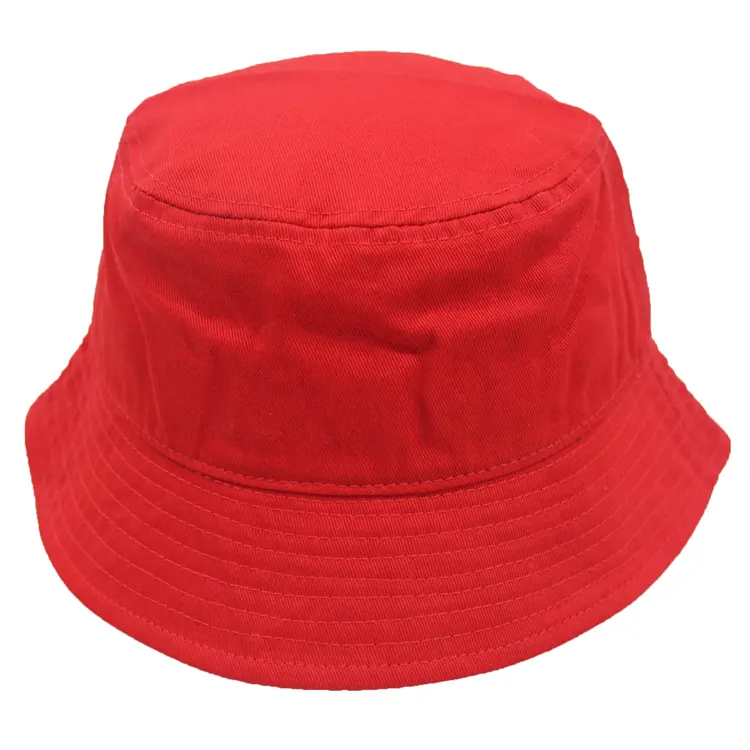
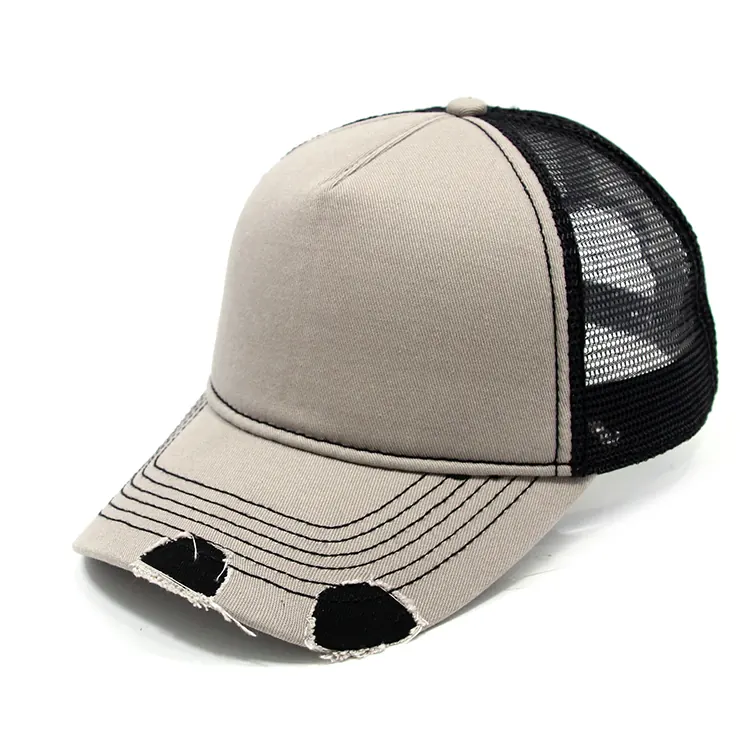
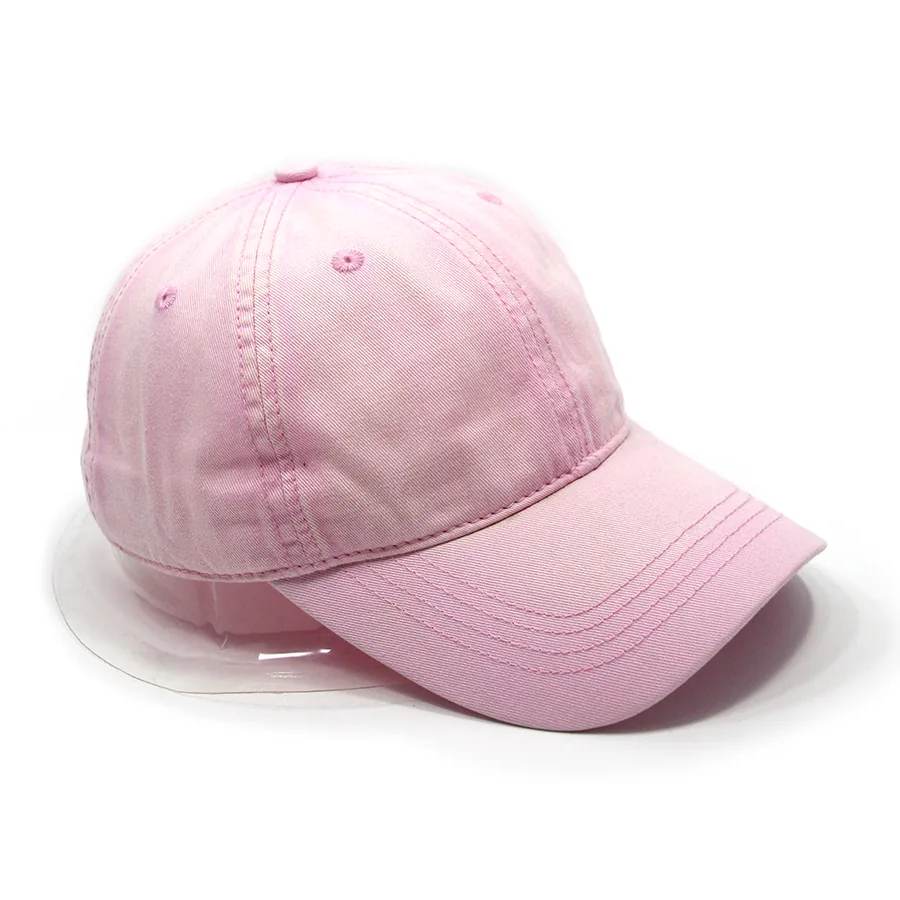
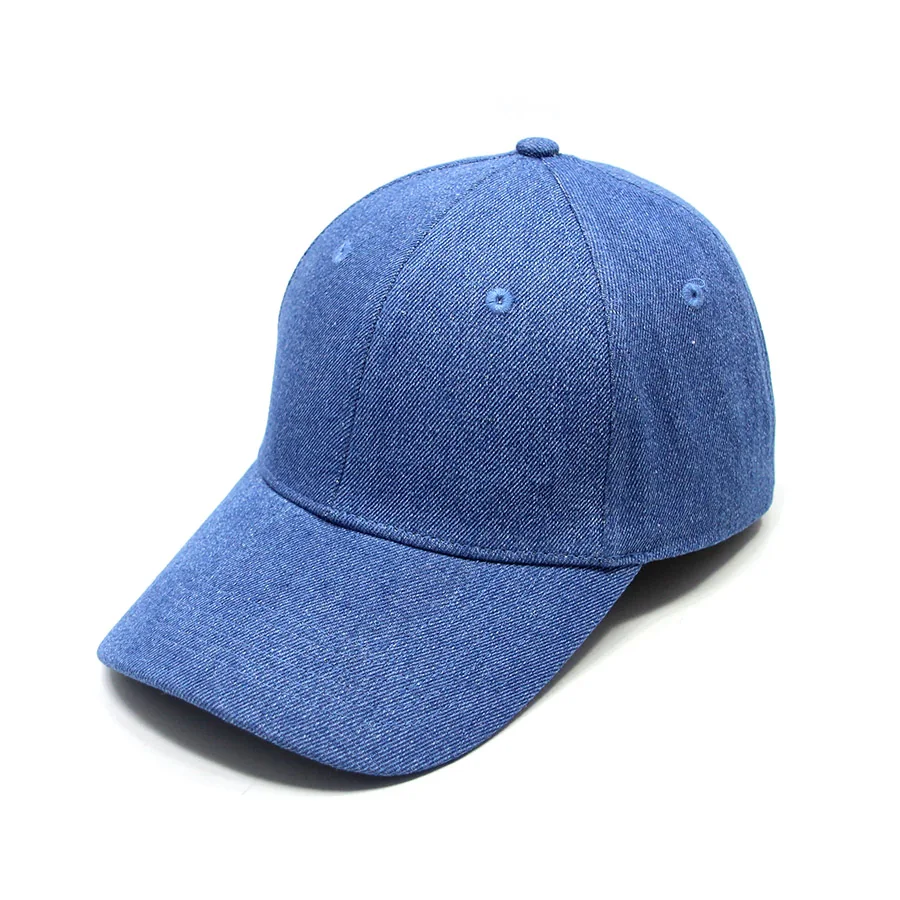
Review the available logo areas for baseball and dad caps, trucker hats with a mesh back or bucket hats with an all-around brim before choosing the method.
02 / BRAND TRIMS
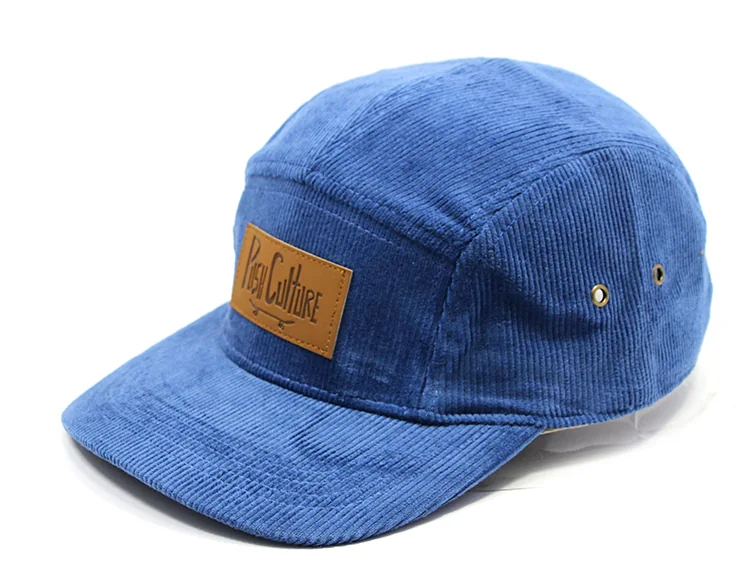
Brand trim can change the way the same hat direction reads. Describe the requested material, shape, edge and attachment point instead of relying on a screen mockup alone.
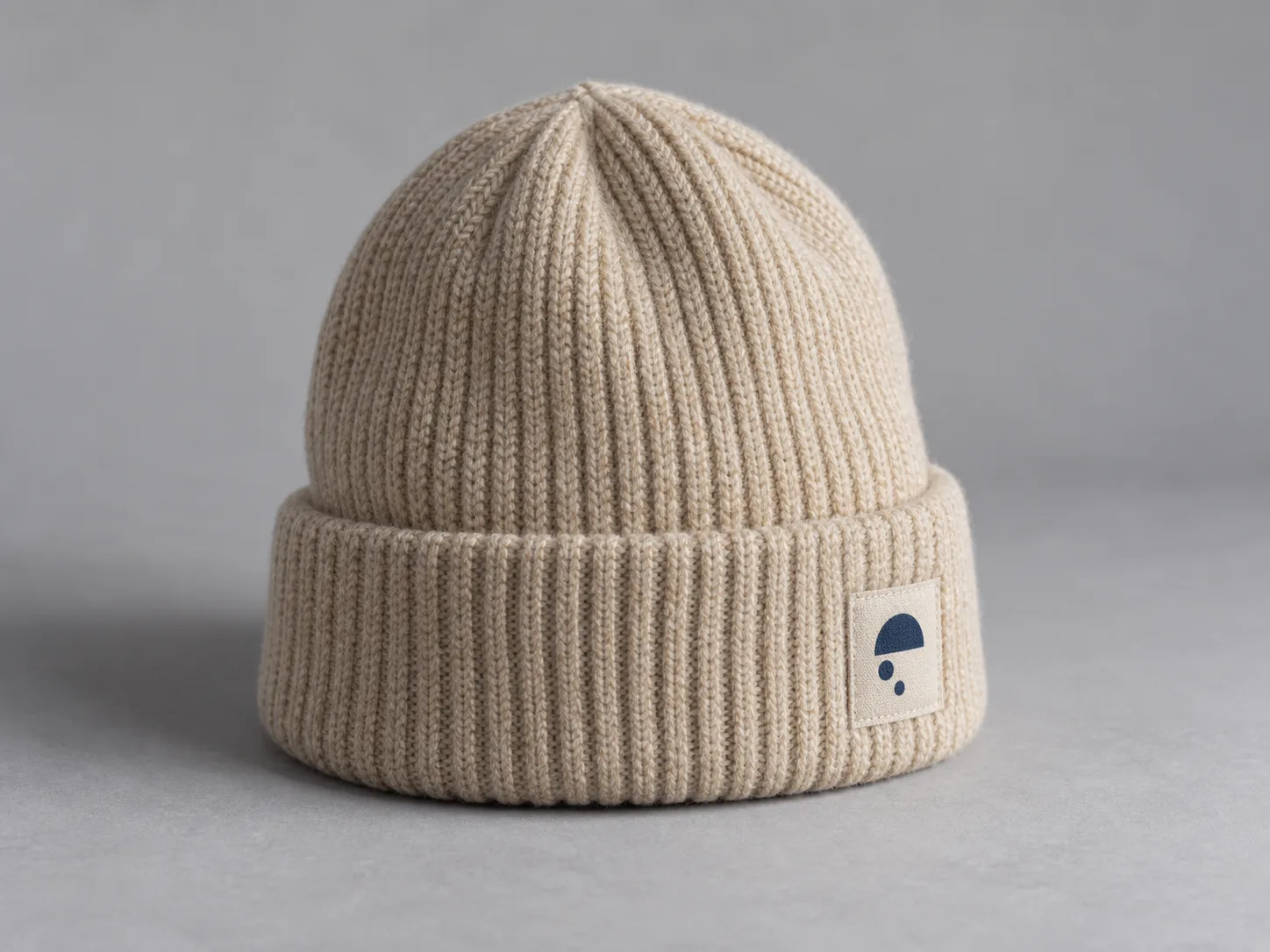
For a knit project, review beanie cuffs and label placements so the trim is considered with the stretch and fold.
Clarify label artwork, edge treatment, attachment point and whether it belongs inside, outside or on the closure.
Clarify the requested material direction, shape, border and attachment. Material availability is checked for the project.
Share the trim reference, intended position and construction note so it can be reviewed with the selected hat.
03 / MATERIAL DIRECTION
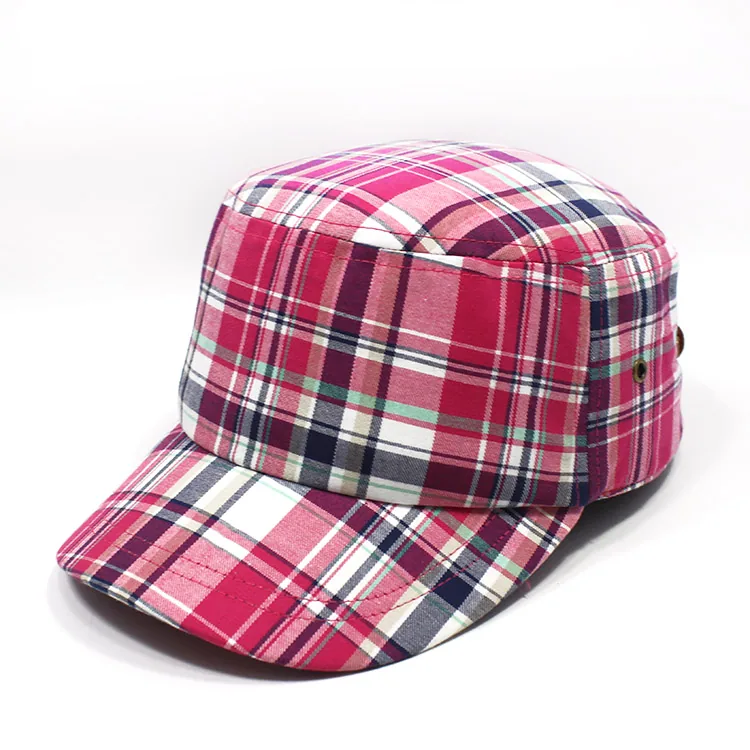
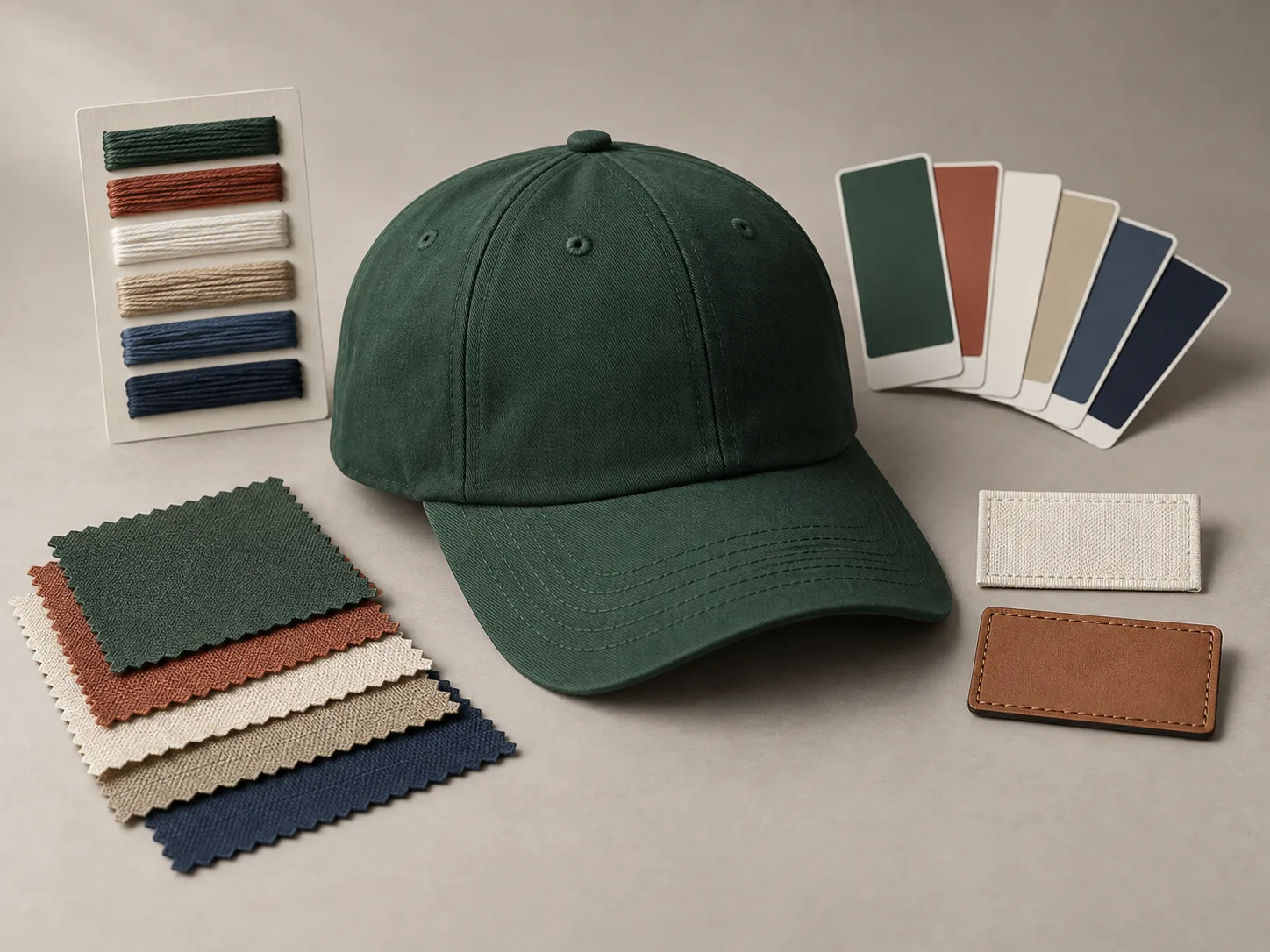
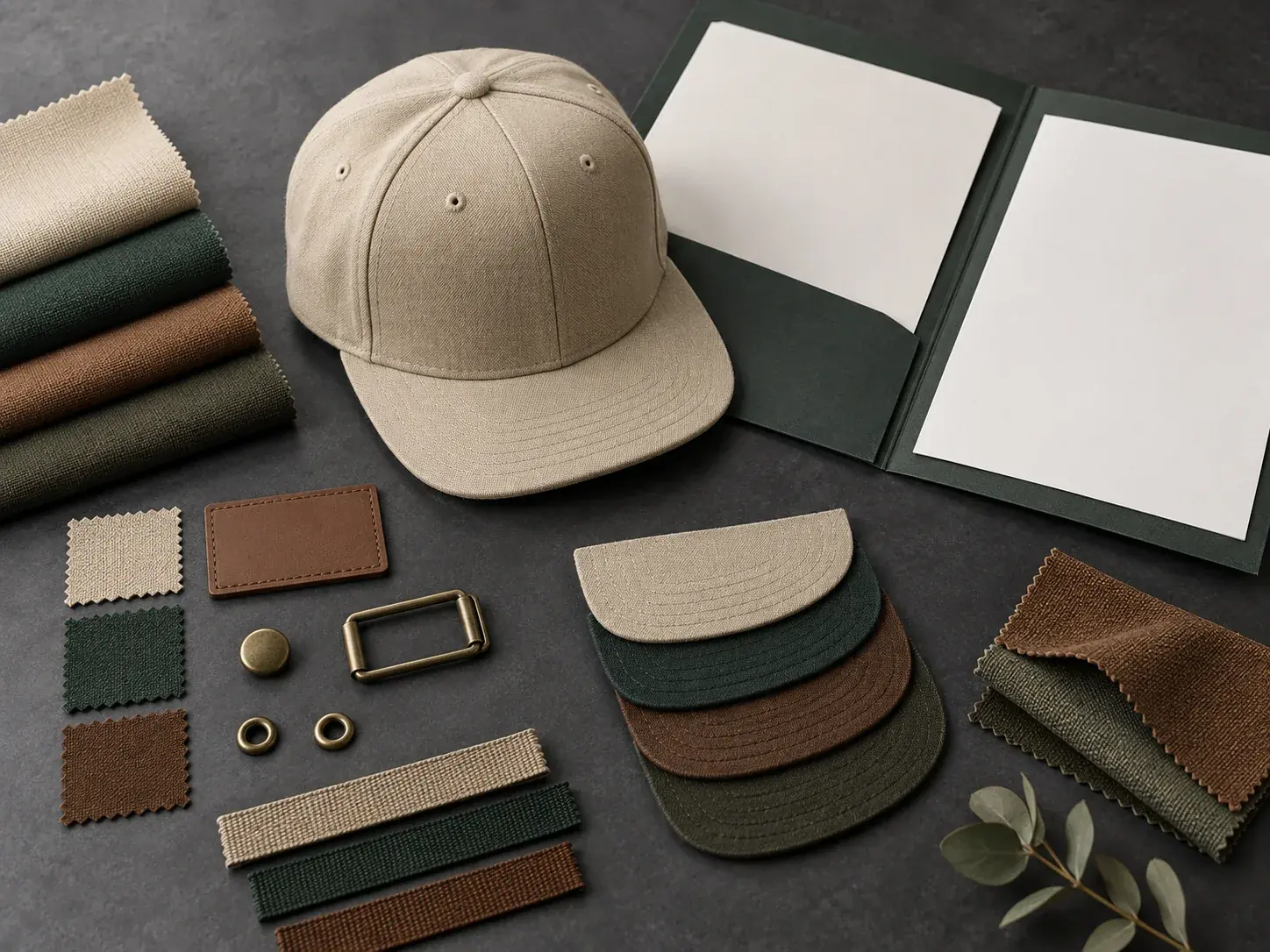
Share a fabric reference, color code, swatch image or intended hand feel. The palette below shows how a screen reference can be organized; it does not establish a final fabric, thread or print color.
04 / DESIGN HANDOFF
Use the path that best matches what you have today. A 3D concept is optional; an existing logo, tech pack or reference file can go straight into the inquiry.
Choose a hat direction, screen color, position and scale in the interactive concept tool.
Try Your PNG in the 3D Studio ↗Share PNG, JPEG, PDF, a tech pack or reference images with notes about the hat and decoration.
Send Design Files for Review ↗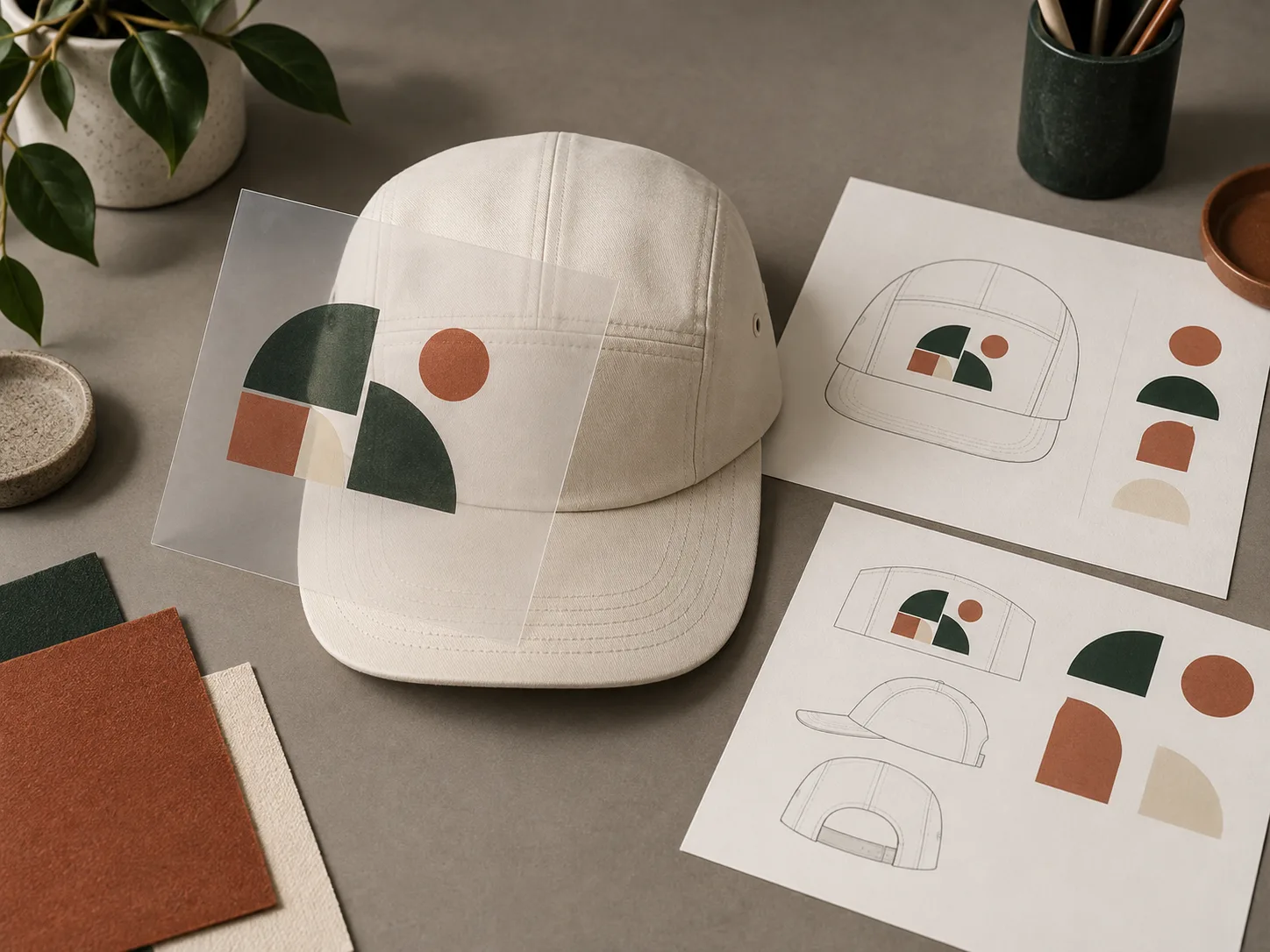
05 / DESIGN TO SAMPLE
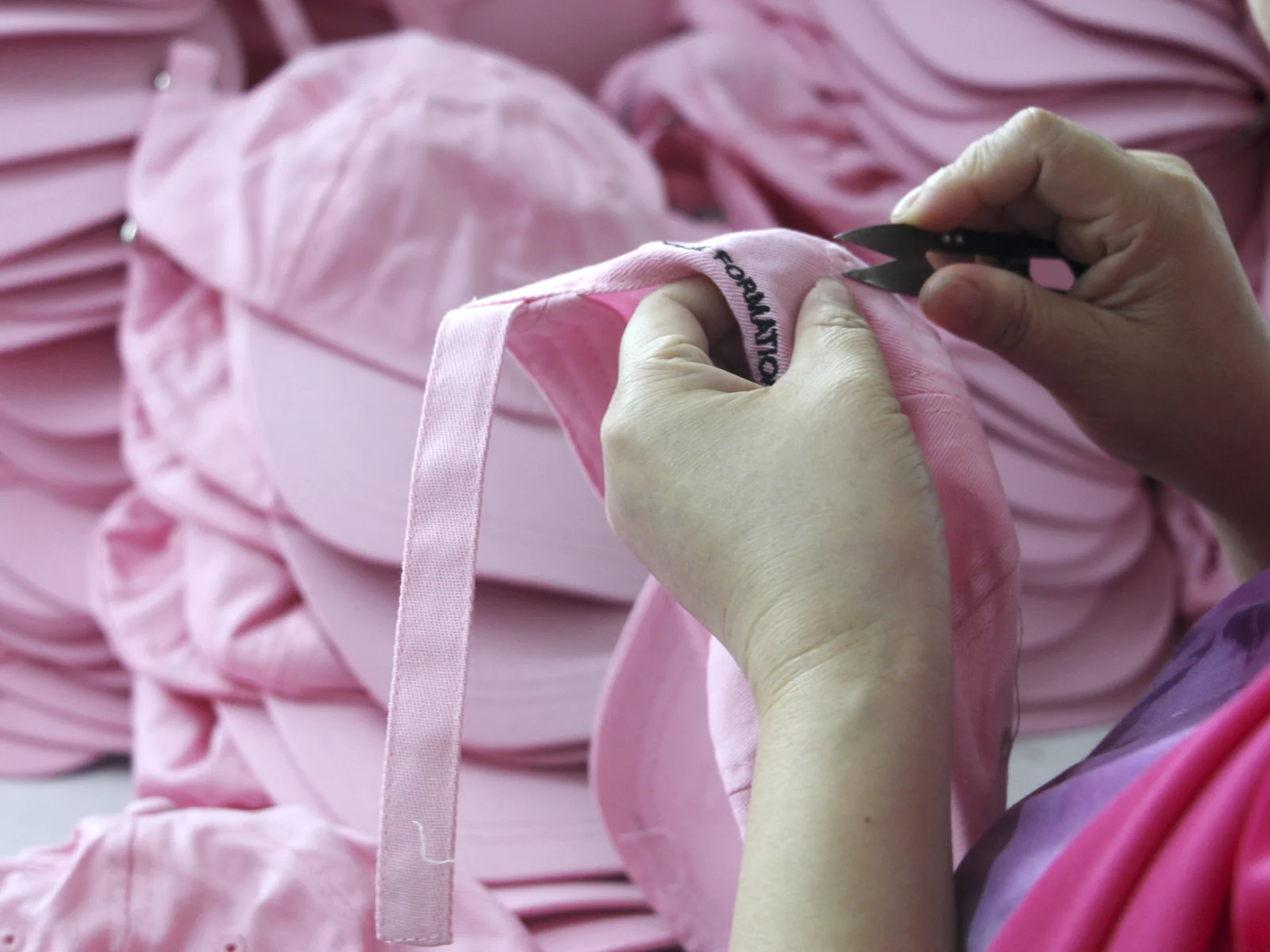
Record the hat direction, artwork, intended position, size and color reference.
Discuss the decoration direction, construction and material against the brief.
Review shape, logo execution, placement and physical colors before agreeing the next production decision.
06 / PROJECT REVIEW
A usable brief gives the project team the inputs needed to check the quote. MOQ, sample cost, timing, logistics and payment terms are not fixed here; they are confirmed for the individual project.
Hat direction, construction notes, decoration preference and artwork.
Estimated quantity by design, destination country or region and any target date.
The physical details that need checking before a production decision.
When written quotes come back, compare their inclusions, exclusions and open assumptions against the same project brief.
PROJECT INQUIRY
Send the artwork, design files and purchasing details you have. You can bring a 3D concept or go straight to a direct-design inquiry.
Before sharing your contact details or design files, review how inquiry data is used.
BUYER GUIDES
Plan custom hat product photos with a clear handoff for views, sample references, files, edits and permitted uses before accepting images for your listing.
Read the guide : Custom Hat Product Photos: A Listing Image Handoff ChecklistReview beanie cuff depth, fold and cuff-or-body logo placement. Agree measuring points and the visible layout, then check the physical sample before approval.
Read the guide : Beanie Cuff Depth and Fold: Approving a Physical SampleCompare custom hat quotations against one versioned brief. Check specifications, sample scope, packing, delivery terms and exclusions before choosing an offer.
Read the guide : Custom Hat Quote Checklist: Compare What Each Supplier IncludesPrepare a first-sample hat tech pack or update an earlier brief. Record artwork versions, packing checks and reorder changes before requesting a current offer.
Read the guide : Custom Hat Tech Pack for a First Sample: A Handoff ChecklistMark custom cap pattern direction at crown seams, brim top and underside. Record color, artwork orientation and physical-sample checks before approval.
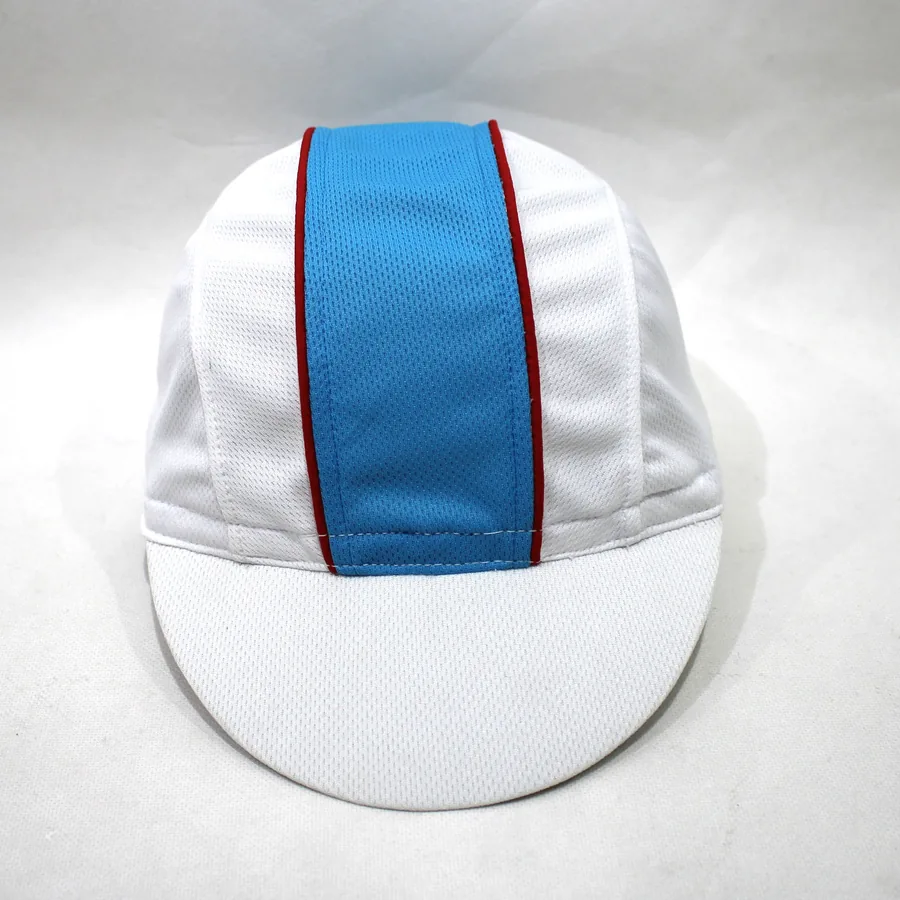
Read the guide : Custom Cap Pattern Placement: Check Seams and BrimTurn a photographed cap center strip and red edging into a marked sample brief. Check boundaries, front join, logo clearance and the physical sample.
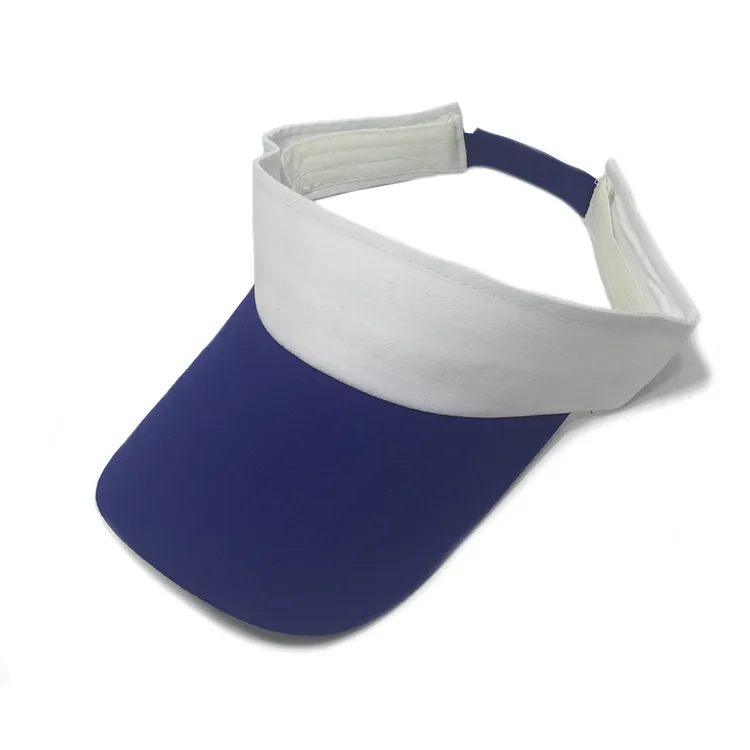
Read the guide : Sports Cap Center Strip and Edging: A Sample BriefCompare an open-crown visor and full-crown sports cap using real photos. Prepare a sample brief for structure, logo space, rear details and physical fit checks.
Read the guide : Open-Crown Visor vs Full-Crown Sports Cap: Sample BriefPrepare a custom hat color brief: map zones across views, assign references to each colorway and check physical shades before approving the finished sample.
Read the guide : Approving a Custom Hat Color: What Photos Can and Cannot ShowReview custom hat logo samples by method. Agree cap-front placement points, measurement paths and label reading direction, then check the physical sample.
Read the guide : Custom Hat Logo Samples: Check Embroidery, Print and PatchesPrepare a bucket hat sample brief: mark brim width at the front, sides and back, describe slope, edge finish and stitching, then check the physical sample.
Read the guide : Custom Bucket Hat Brim: What to Specify for a SampleReview a custom trucker hat's front-to-mesh join, rear opening and closure with matching sample views, marked reference points and a clear revision record.
Read the guide : Custom Trucker Hat Sample: Check Mesh Join and Rear OpeningFive-panel and six-panel labels name a crown layout, but photos can hide seams. Use real cap views to check front logo space and prepare a clearer sample brief.
Read the guide : Five-Panel vs Six-Panel Caps: Verify Seams and Logo SpaceReview custom baseball cap sample views, check visible details and combine team feedback into clear, versioned revision requests before the next sample review.
Read the guide : Custom Baseball Cap Sample Review: 5 Views to Check