Email Alex
Send your artwork or tech pack with the hat style, estimated quantity and destination.
Direct Design or 3D Concept
Share the design you already have, or prepare a 3D concept alongside your purchasing notes.
A transparent PNG is useful for the 3D logo preview, but it is not required. You can begin with a PNG, JPG, PDF, reference image, or a clear written brief.
01 / DIRECT DESIGN INTAKE
Add original artwork or a short brief, then give the hat direction, quantity, and destination. Company is optional. You do not need to use 3D before preparing a direct-design inquiry.
Start with your own artwork, a reference image, or a written brief. The 3D Studio is optional and can be opened separately.
Review before sending: saving a draft keeps it on this device. To submit your project, review the details, complete verification and select “Send inquiry to Rongtai”. Check the confirmation for your inquiry reference.
02 / TALK TO ALEX
Send your artwork or tech pack with the hat style, estimated quantity and destination.
Discuss your hat style, logo and order details. The link opens a draft message for you to review and send.
Start with your original files or a reference image. You do not need to create a 3D design first.
Compare hat styles, try your transparent PNG logo and save the color and placement you want to discuss.
03 / LOCATION REVIEW
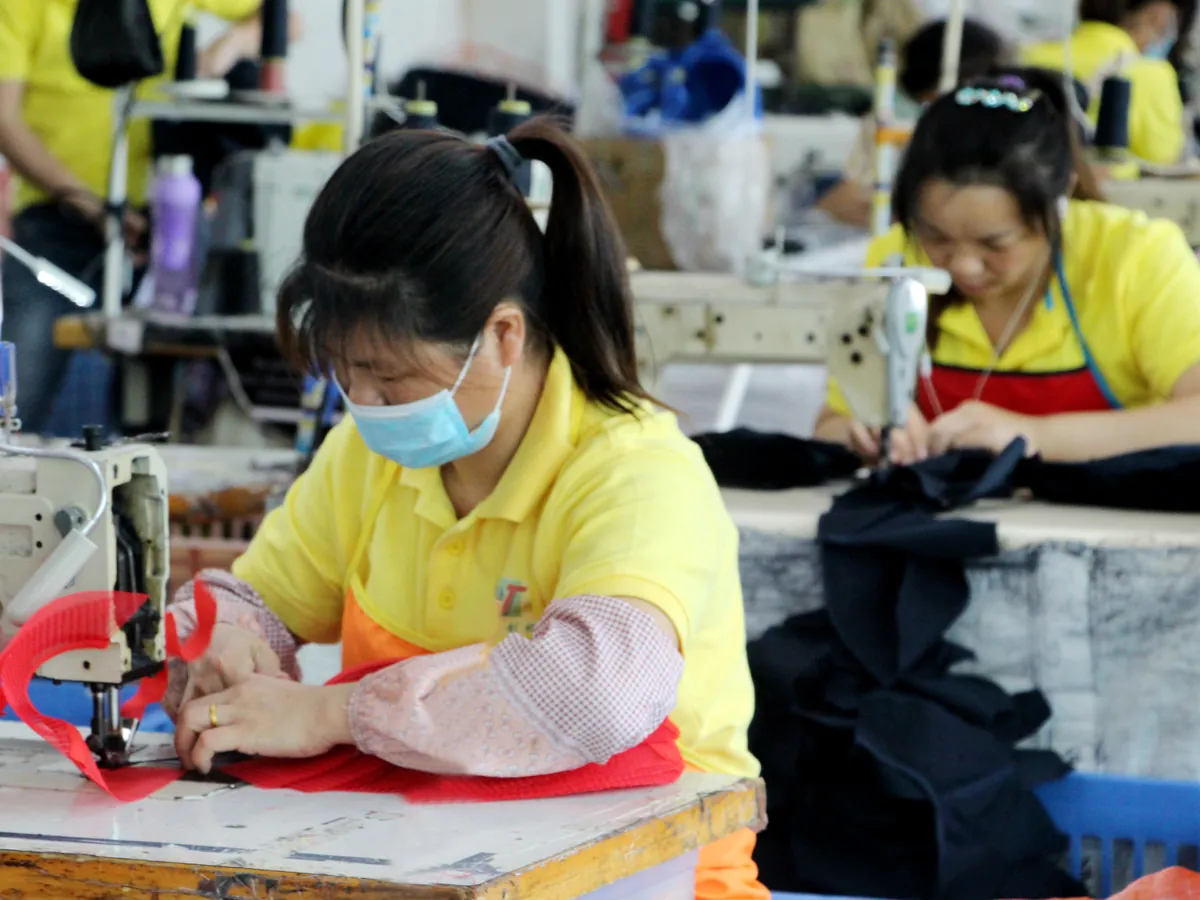
Rongtai works with a long-term manufacturing partner in Dongguan, China. Supplier-review questions and visit requests can be included with your project brief.
Email Alex to confirm the address, appointment and any visit or video arrangement before travelling.
Read how Rongtai works with manufacturing in Dongguan when preparing your supplier-review questions.
04 / WHAT HAPPENS NEXT
05 / ORIGINALS AND REFERENCES
Use a transparent PNG when you want to preview a logo on the 3D hat. For a direct-design inquiry, the form accepts PNG, JPG and PDF files.
Check the artwork preparation guide before attaching files. If the production method is undecided, compare embroidery and printing requirements with your logo detail.
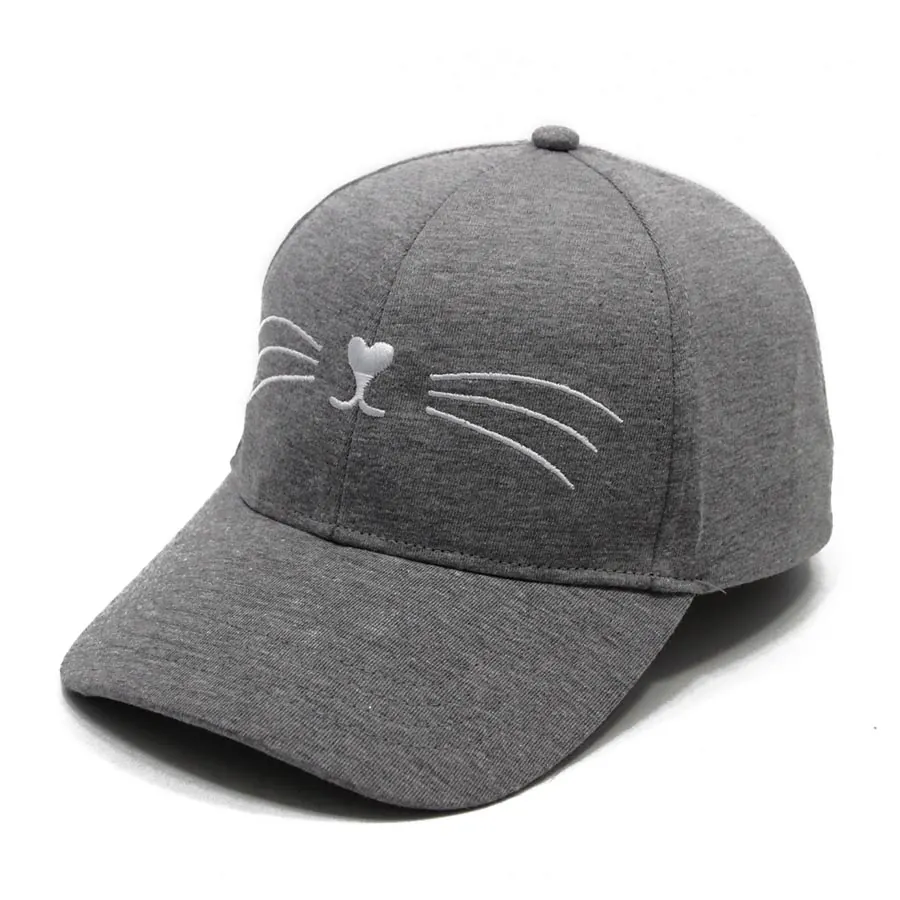
For a sample-based brief, use the five-view cap sample checklist to label the features you want reviewed.
06 / BEFORE YOU PREPARE
Start with what you know. Send a design brief, ask about decoration or return to the Studio to explore logo placement.
Yes. Add a short written brief, a sketch, or reference images. Include your intended hat direction, estimated quantity and destination so we can review the brief.
Enter “undecided” in the quantity field. MOQ and pricing depend on the final hat, material, decoration, color split, and project terms.
No. A target date helps frame the discussion, but sample and production timing must be checked for the individual project.
After submitting, check the result shown by the form. Saving a draft does not send it. If you do not see a receipt confirmation, email [email protected] with your design and project notes.
Open the 3D Design Studio and restore a draft saved on this device. Use the inquiry step to share the design choices and your purchasing notes; saving the design alone does not send an inquiry.
Yes. Send your artwork, reference images or tech pack to [email protected]. Include the hat style, logo placement, approximate quantity, destination and any target date. You can start without using the 3D Studio.
Email Alex to discuss a visit or supplier review. Confirm the address, available arrangements and appointment before travelling.
BUYER GUIDES
Plan custom hat product photos with a clear handoff for views, sample references, files, edits and permitted uses before accepting images for your listing.
Read the guide : Custom Hat Product Photos: A Listing Image Handoff ChecklistReview beanie cuff depth, fold and cuff-or-body logo placement. Agree measuring points and the visible layout, then check the physical sample before approval.
Read the guide : Beanie Cuff Depth and Fold: Approving a Physical SampleCompare custom hat quotations against one versioned brief. Check specifications, sample scope, packing, delivery terms and exclusions before choosing an offer.
Read the guide : Custom Hat Quote Checklist: Compare What Each Supplier IncludesPrepare a first-sample hat tech pack or update an earlier brief. Record artwork versions, packing checks and reorder changes before requesting a current offer.
Read the guide : Custom Hat Tech Pack for a First Sample: A Handoff ChecklistMark custom cap pattern direction at crown seams, brim top and underside. Record color, artwork orientation and physical-sample checks before approval.
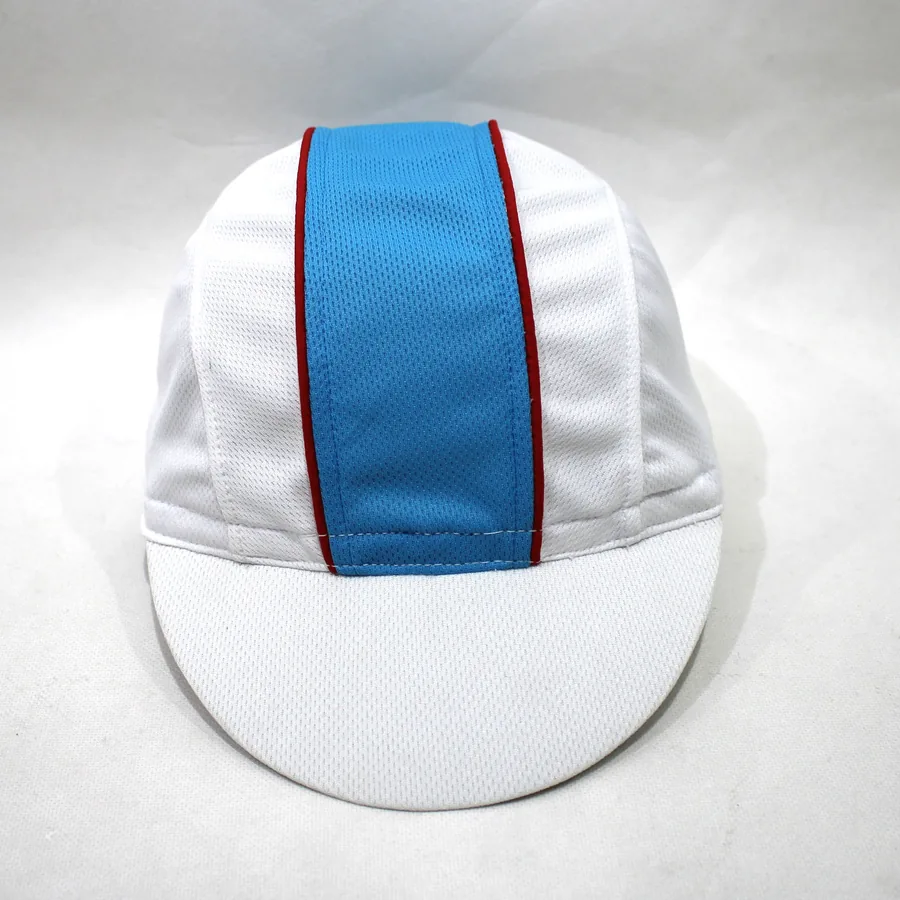
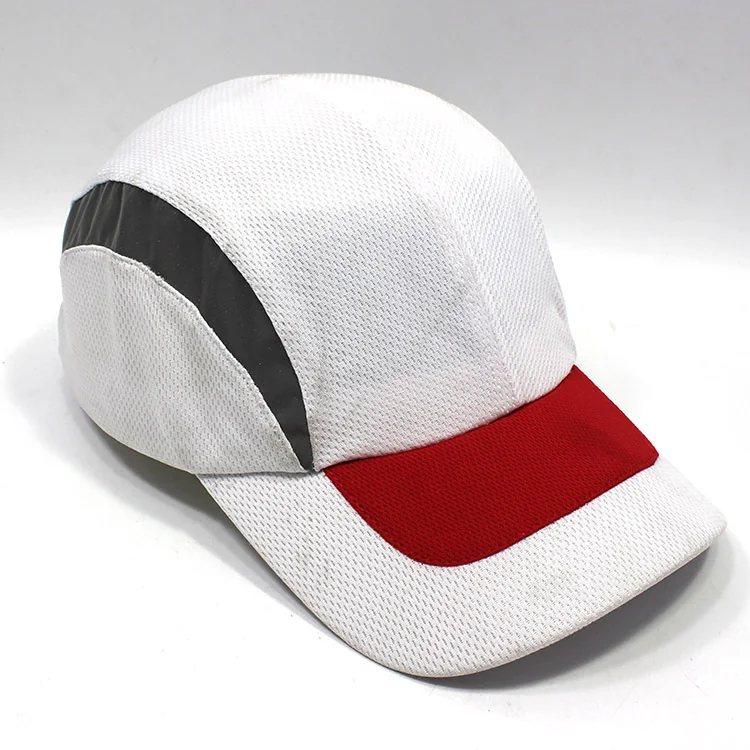
Read the guide : Custom Cap Pattern Placement: Check Seams and BrimTurn a photographed cap center strip and red edging into a marked sample brief. Check boundaries, front join, logo clearance and the physical sample.
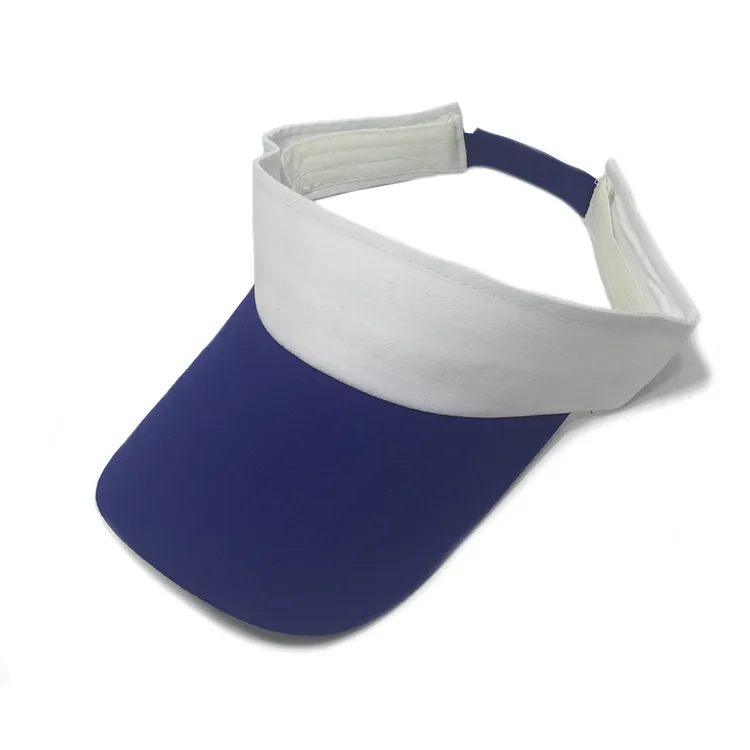
Read the guide : Sports Cap Center Strip and Edging: A Sample BriefCompare an open-crown visor and full-crown sports cap using real photos. Prepare a sample brief for structure, logo space, rear details and physical fit checks.
Read the guide : Open-Crown Visor vs Full-Crown Sports Cap: Sample BriefPrepare a custom hat color brief: map zones across views, assign references to each colorway and check physical shades before approving the finished sample.
Read the guide : Approving a Custom Hat Color: What Photos Can and Cannot ShowUse hat supplier production photos to check visible work, site and order context. Learn what images show—and what buyers need to verify separately.
Read the guide : Hat Supplier Production Photos: A Buyer ChecklistReview custom hat logo samples by method. Agree cap-front placement points, measurement paths and label reading direction, then check the physical sample.
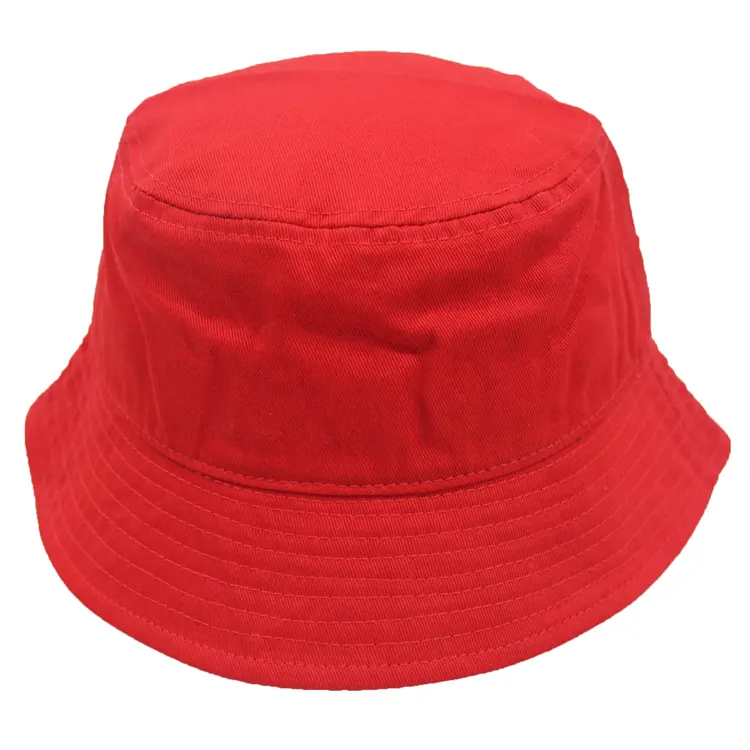
Read the guide : Custom Hat Logo Samples: Check Embroidery, Print and PatchesPrepare a bucket hat sample brief: mark brim width at the front, sides and back, describe slope, edge finish and stitching, then check the physical sample.
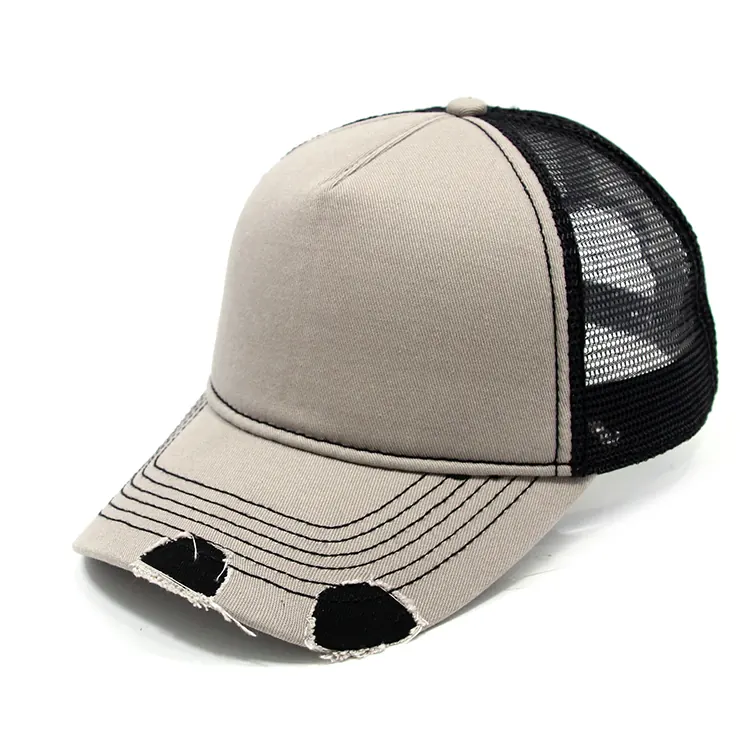
Read the guide : Custom Bucket Hat Brim: What to Specify for a SampleReview a custom trucker hat's front-to-mesh join, rear opening and closure with matching sample views, marked reference points and a clear revision record.
Read the guide : Custom Trucker Hat Sample: Check Mesh Join and Rear OpeningFive-panel and six-panel labels name a crown layout, but photos can hide seams. Use real cap views to check front logo space and prepare a clearer sample brief.
Read the guide : Five-Panel vs Six-Panel Caps: Verify Seams and Logo SpaceCompare cap brim shape and crown top outline with real photos. Mark profile features, request matching views and agree measurements before sample approval.
Read the guide : Curved vs Flat Brim: A Custom Cap Buyer’s Brief